



D-Robotics D-Robotics · Computing and Control
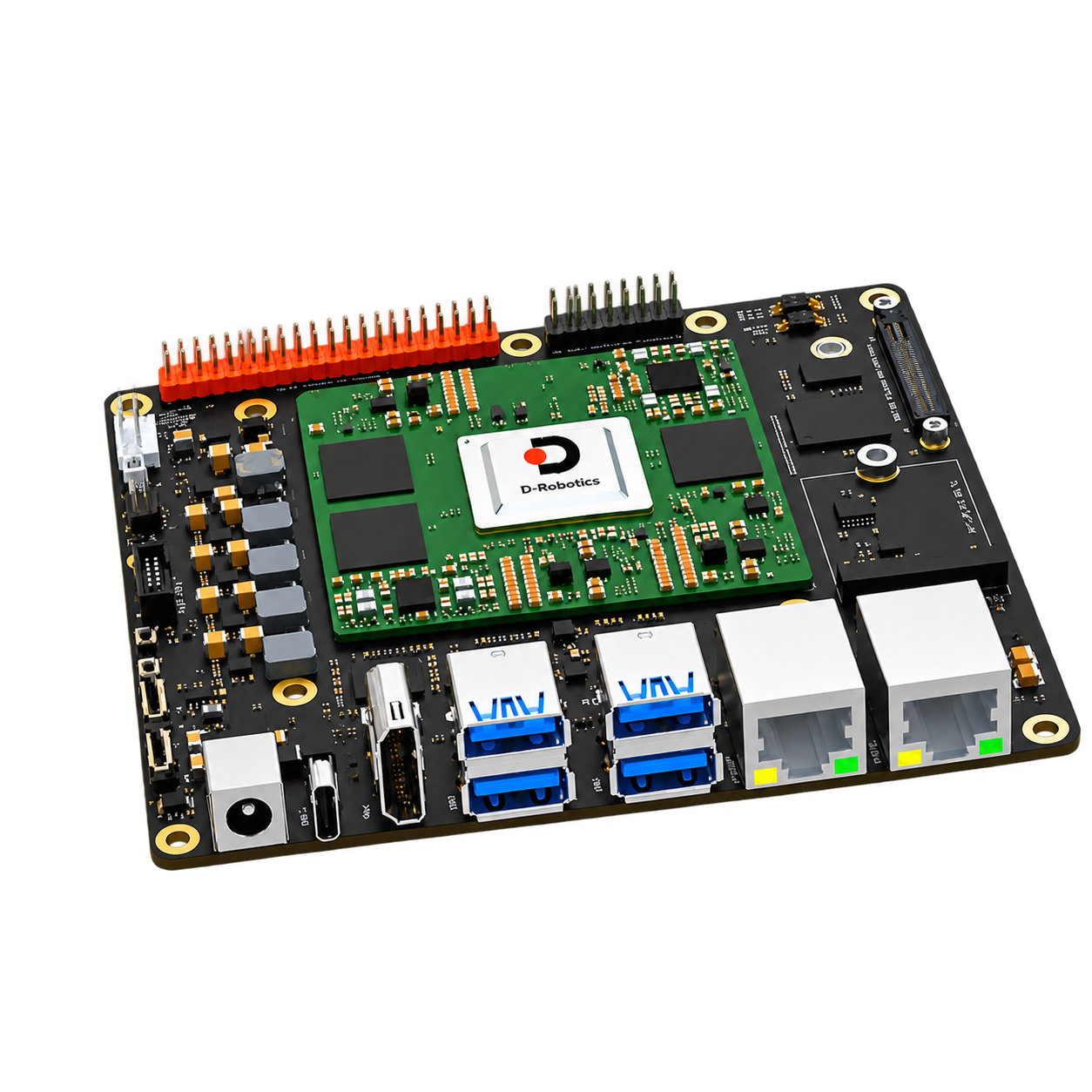
D-Robotics RDK S100
A computing platform for robot perception and application development. Suitable for expansion from vision development board to multi-task robot computing while retaining independent network, control and camera access designs.
Development platforms and accessories
Overview
- 80 TOPS BPU (equivalent to INT8) and 12 GB LPDDR5
- 6 × Cortex-A78AE @ 1.5 GHz;4 × Cortex-R52+ MCU
- Dual Gigabit Ethernet, camera extension and MCU extension
- 64 GB eMMC and M.2 NVMe expansion, four-way USB 3.0
Typical tasks
- mobile Roboticsperception
- Multitasking edge AI
- positioning and Robotics application development
What to consider
- Choose the configuration by camera count, target frame rate and model compute needs.
- Compare the Memory and computing configuration of S100P and select the model that meets the task margin.
- camera expansion board, wiring harness and driver need to be selected according to specific configuration.
RDK official accessories for this console
First determine the accessory model, and then check the interface, installation, power supply and software version. The following is the scope of application specified by the manufacturer. Continue to check the complete connection combination during configuration.
Specifications & Interfaces
| Compute platforms | D-Robotics RDK S100 (6 × Cortex-A78AE @ 1.5 GHz) |
|---|---|
| Compute performance | BPU:80 TOPS
GPU:100 GFLOPS Conditions
|
| Memory | 12 GB LPDDR5 |
| Storage & Expansion | Storage and expansion: 64 GB eMMC
Storage expansion interface: M.2 Key M, PCIe 3.0 × 1 |
| Camera connectivity | Camera expansion interface: Camera Expansion Header
Mainboard camera expansion link: 1×Camera Expansion interface, providing 3 × 4-lane MIPI CSI-2 signals Conditions
|
| Wired network | 2 × Gigabit RJ45 |
| CAN interface | MCU 100-pin connector leads to CAN5 / CAN6 / CAN7 / CAN8 / CAN9 Conditions
|
| Power supply | 12–20 V DC |
| Dimensions & Weight | 120 × 121 × 51 mm |
| Operating environment | 0–45 °C |
Additional memory & Storage
| Other memory parameters | 96-bit |
|---|
Other power & installation specifications
| Other power supply parameters | Motherboard power connector: inner diameter 2.5 / outer diameter 6 mm
Peak and minimum power capabilities: upper limit of board input 150 W; extreme scenarios recommended 150 W (20 V / 7.5 A)
Current and conditions: typical scenarios 5.5 A @ 12 V; extreme scenarios 7.5 A @ 20 V Conditions
|
|---|---|
| Heat dissipation form | Support fan speed control; 12 V fan interface maximum 200 mA Conditions
|
Additional compute specifications
| GPU model | Mali-G78AE |
|---|---|
| Real time MCU | 4 × Cortex-R52+ @ 1.2 GHz |
Other interfaces & features
| Wireless and Expansion | M.2 Key E:PCIe 3.0 × 1 + UART |
|---|---|
| USB and flash interface | USB Host: 4 × USB 3.0
Flashing and debugging: 1 × USB 2.0 Type-C |
| Display and audio and video | HDMI 1.4, up to 2K @ 60 Hz |
| Control and expansion interface | Main domain extension: 40-pin GPIO, Camera Expansion Header, Auto Header
MCU extension: 16-pin MCU GPIO, MCU Port Expansion Header
Debugging: JTAG |
Components & Accessories
Product & configuration scope
- RDK S100 Compute platform
- Matches camera expansion, storage and cooling according to application
Accessory selection
- regulated power supply that meets model requirements
- matching camera expansion board and wiring harness
- Storage devices, network connections and mounting fixtures
Included items, options, wiring harnesses and mounting hardware are confirmed according to the selected model and system configuration.
Software and usage support
- official system image, tool chain and sample applications.
- The external positioning device is connected through its driver and message format.
- system performance is evaluated based on the actual model, Resolution and concurrent tasks.
Operating conditions
- The input power range is 12–20 V DC; expansion cameras, wireless modules and MCU peripherals should check the supporting board and pin definitions.
Technical resources
When using these documents, please check the product model, hardware configuration and document version.
Learn about related components
Explore the compute, perception and mobile platforms used in related solutions; see each solution for compatibility conditions and options.
D-Robotics RDK S100P Compute & control 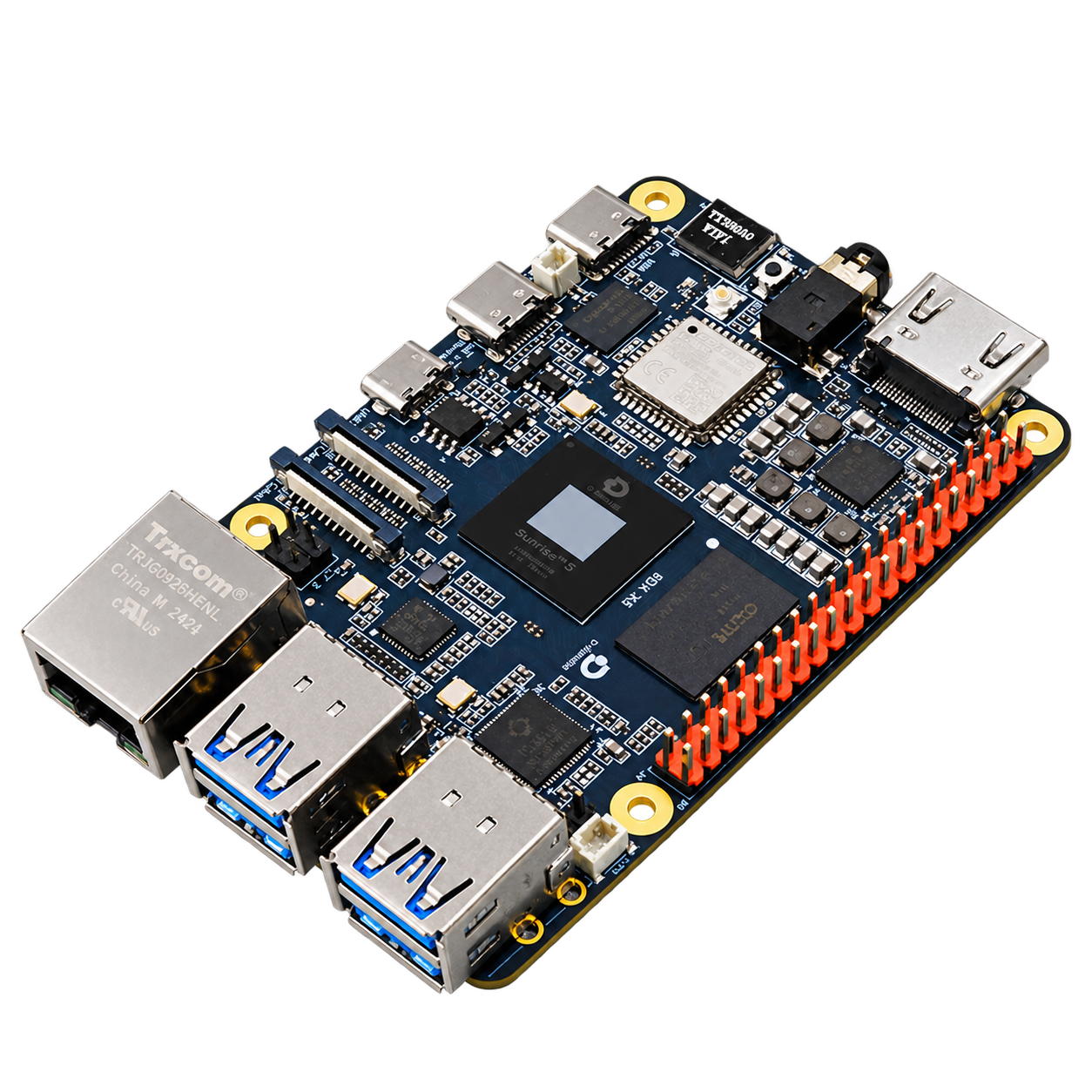 D-Robotics RDK X5 Compute & control
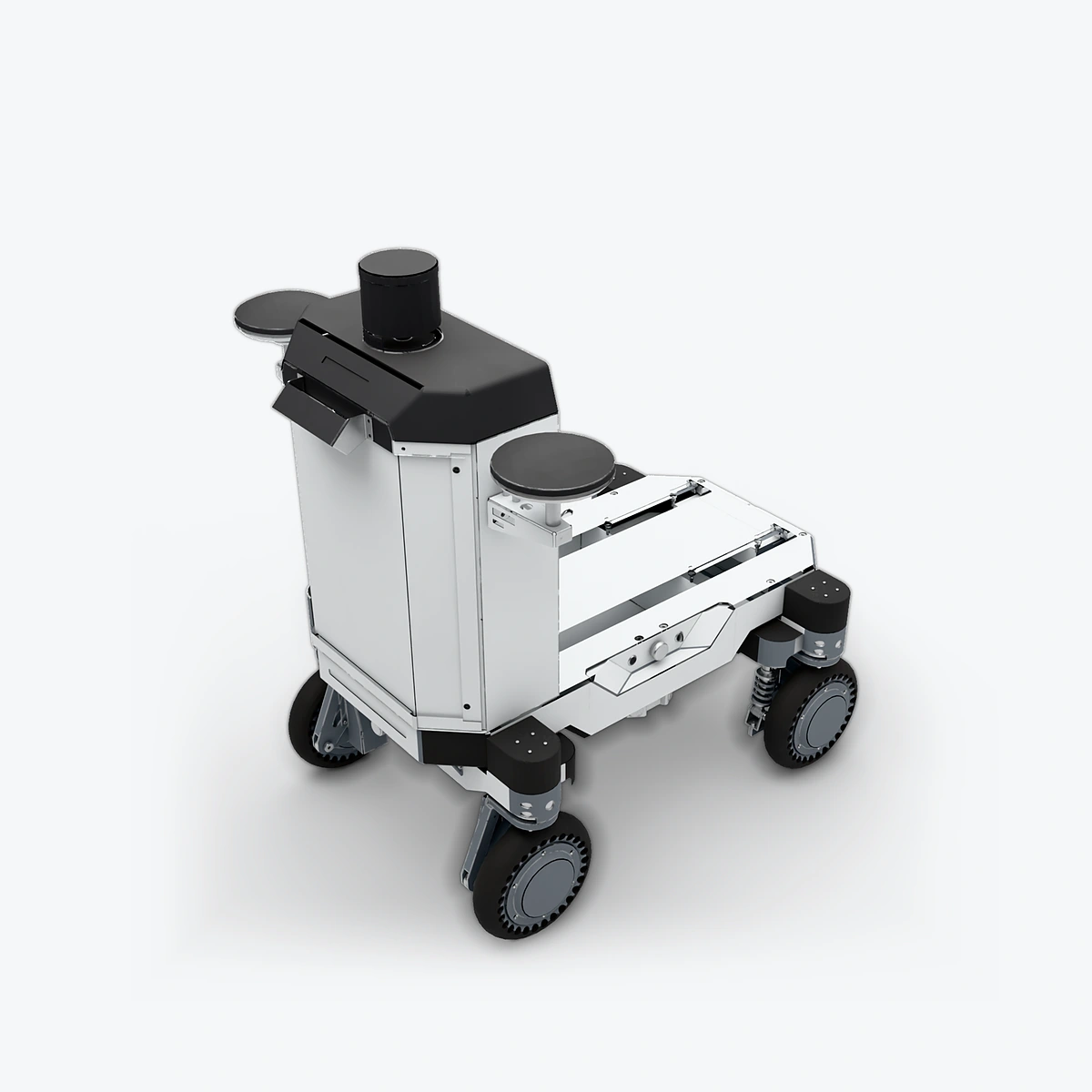 RJ Tech Limited Luchs A Mobile chassis & vehicles
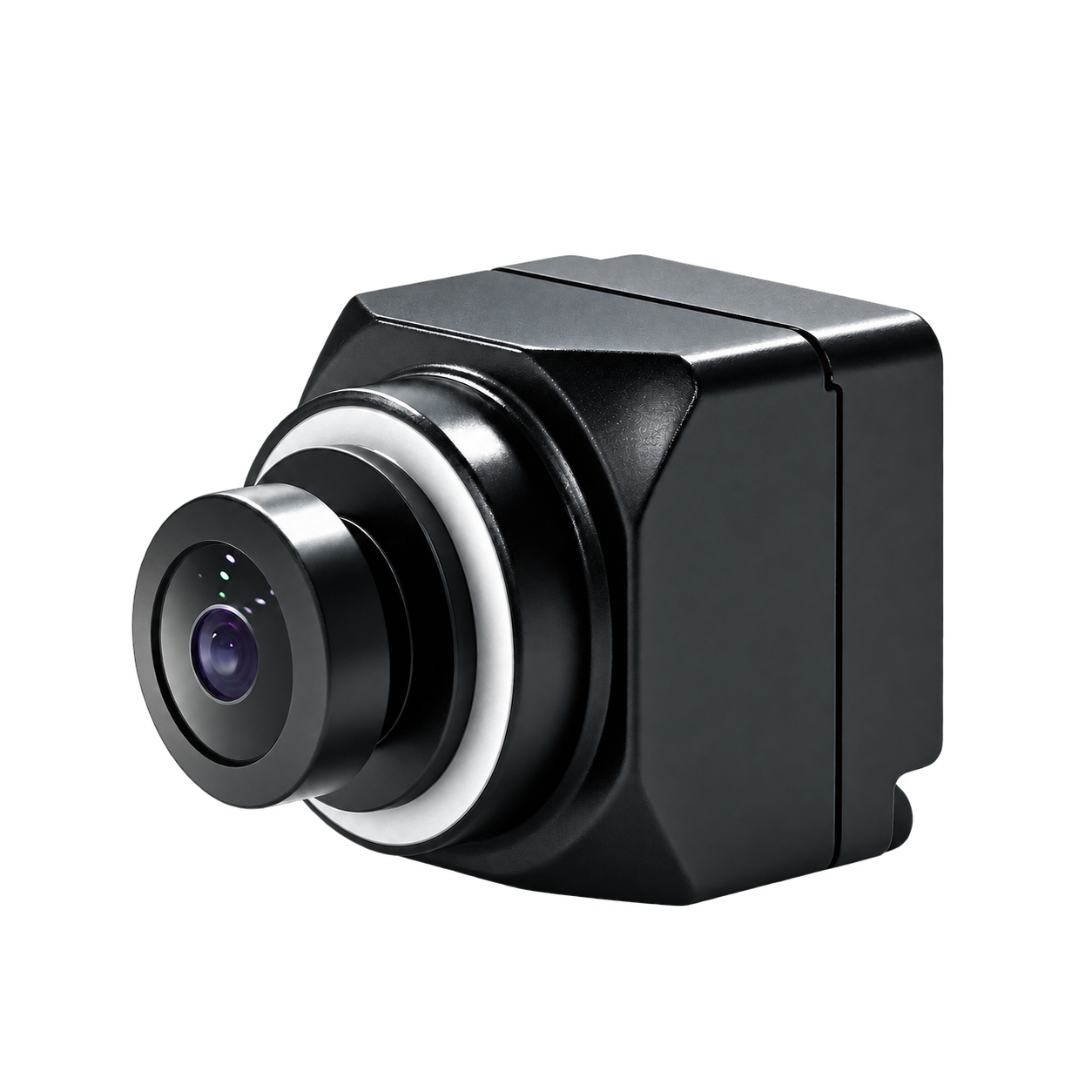 SENSING SHW3G Global Shutter Camera Vision cameras
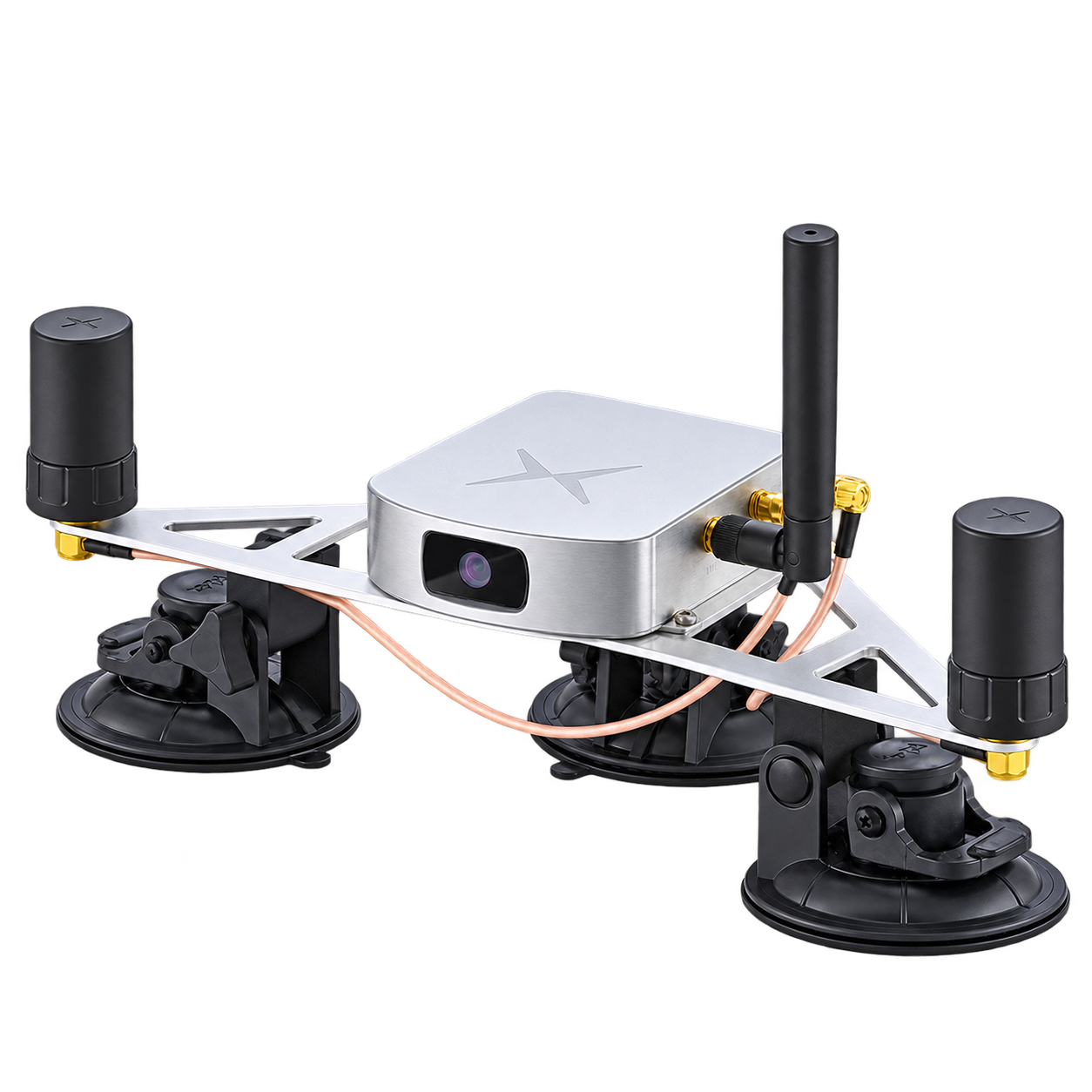 Fixposition Vision-RTK 2 Positioning and inertial measurement
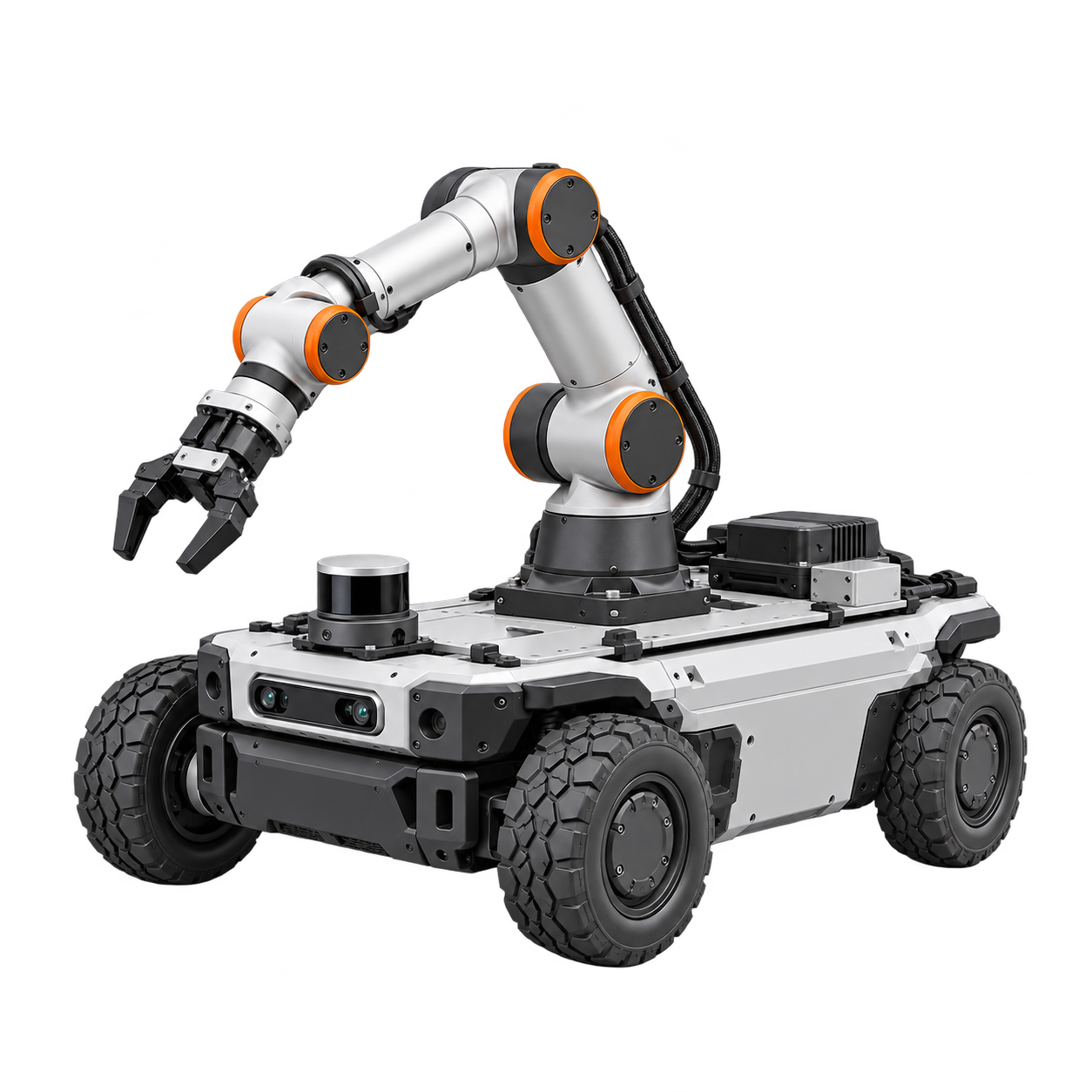 Other RJ autonomy and robot system integration services Customization & integration