4 GB
LPDDR4
 Germany
 Netherlands
 Switzerland
 Austria
 Norway
 Finland
D-Robotics D-Robotics · Computing and Control
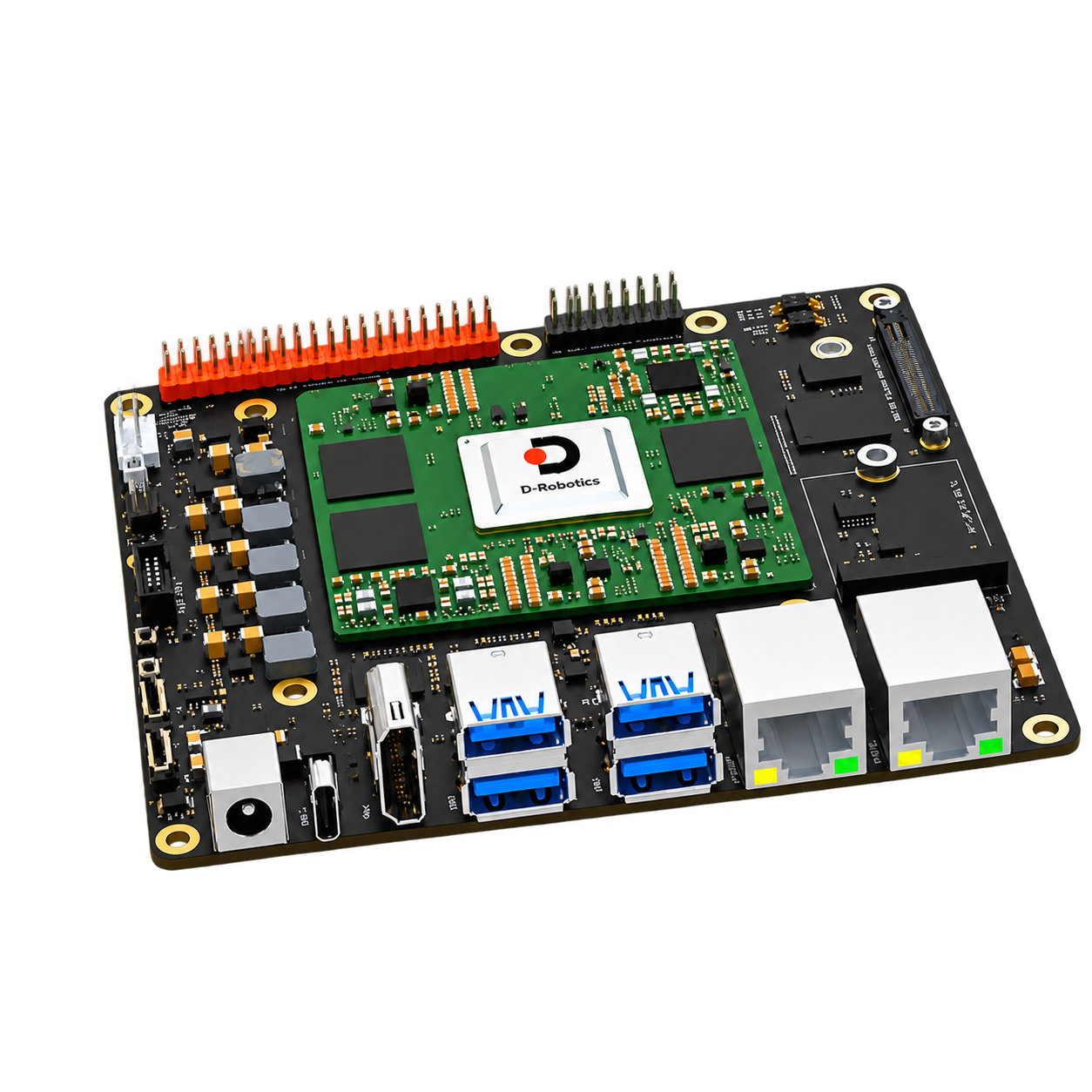
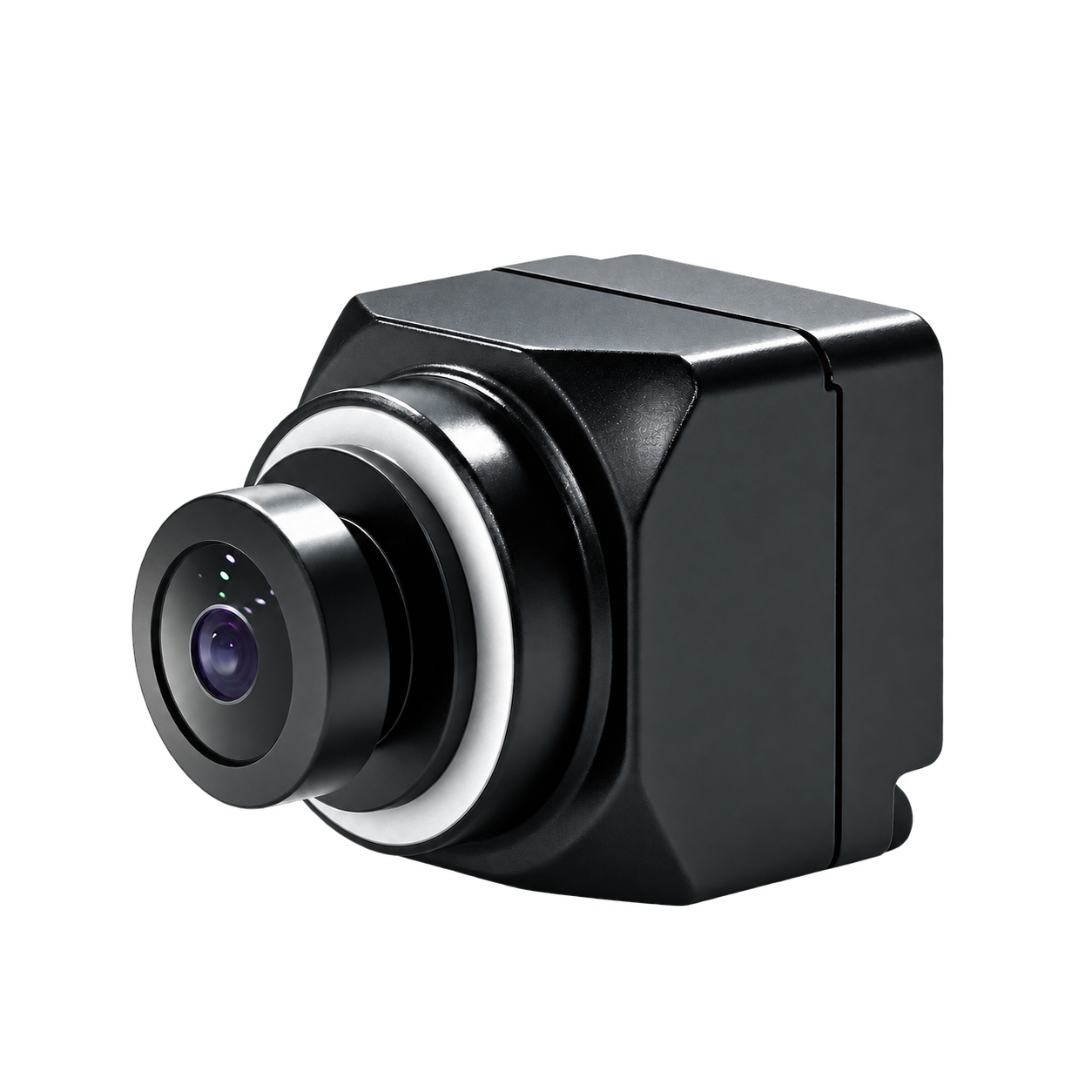
RDK development board suitable for starting with single-channel vision, edge AI and robot control. After selecting the memory version, you can gradually build your own development environment around cameras, storage and interfaces.
Development platforms and accessories
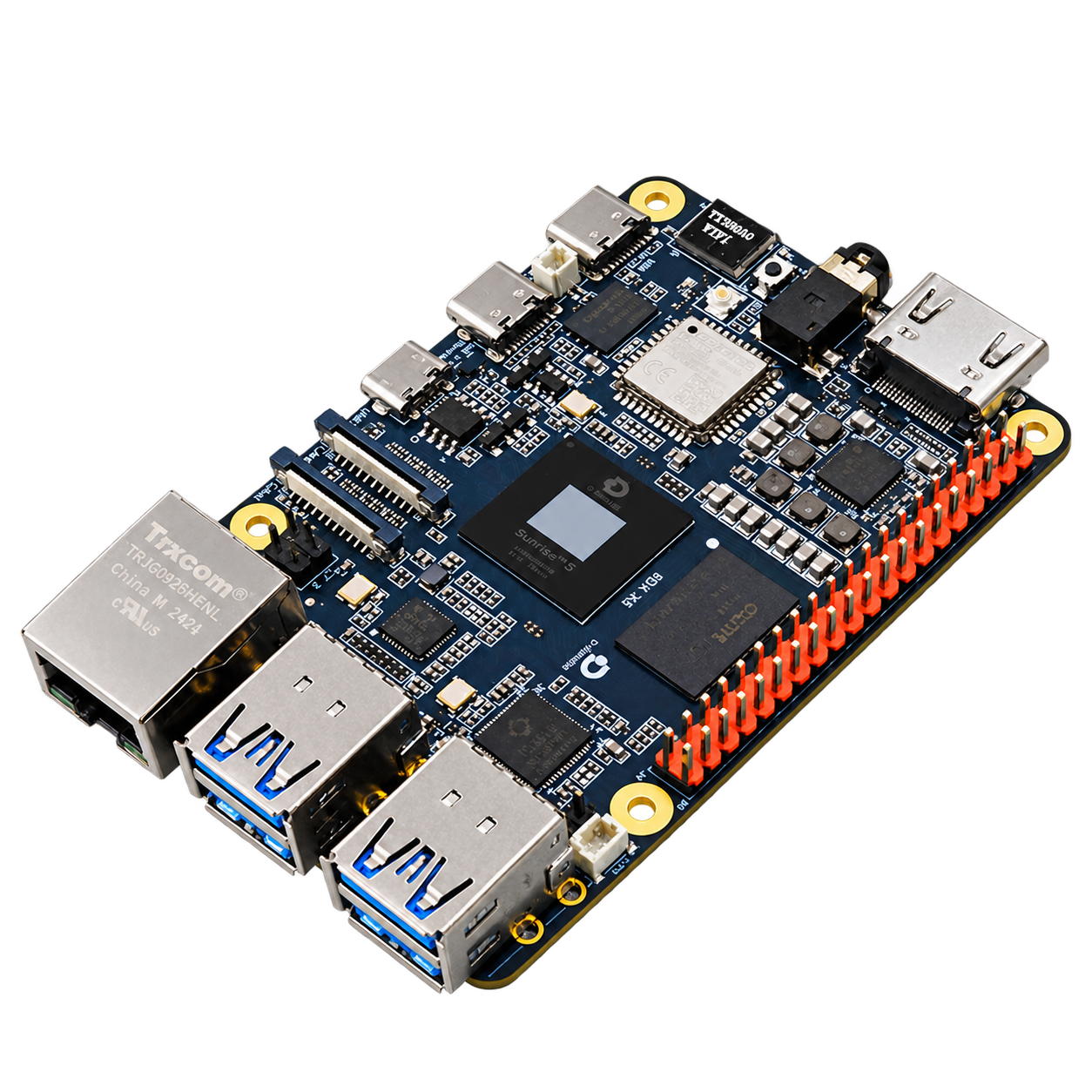
First determine the accessory model, and then check the interface, installation, power supply and software version. The following is the scope of application specified by the manufacturer. Continue to check the complete connection combination during configuration.
Switches the displayed specifications only. Purchase and inquiry configurations are selected separately.
| Compute platforms | D-Robotics RDK X5 (8 × Cortex-A55 @ 1.5 GHz) |
|---|---|
| Compute performance | BPU:10 TOPS
GPU:32 GFLOPS |
| Memory | 4 / 8 GB LPDDR4 |
| Storage & Expansion | External microSD |
| Camera connectivity | 2 × 4-lane MIPI CSI |
| Wired network | 1 × Gigabit RJ45 |
| CAN interface | 1 × CAN FD |
| Power supply | 5 V / 5 A |
| Other power supply parameters | 5 A @ 5 V |
|---|
| Wireless and Expansion | Wi-Fi 6 / Bluetooth 5.4 |
|---|---|
| USB and flash interface | USB Host: 4 × USB 3.0 Type-A
USB Device: 1 × USB 2.0 Type-C
Debugging interface: Micro-USB |
| Display and audio and video | Video codec: H.265 / H.264, up to 3840 × 2160 @ 60 fps
HDMI: Type-A, up to 1080p @ 60 Hz
Display extension: 4-lane MIPI DSI
Audio: 3.5 mm input/output |
| Control and expansion interface | 28 road, reusable UART / PWM / I²C / SPI / I²S |
| System & software scope | Ubuntu 22.04 |
| Compute platforms | D-Robotics RDK X5 (8 × Cortex-A55 @ 1.5 GHz) |
|---|---|
| Compute performance | BPU:10 TOPS
GPU:32 GFLOPS |
| Memory | 4 GB LPDDR4 |
| Storage & Expansion | External microSD |
| Camera connectivity | 2 × 4-lane MIPI CSI |
| Wired network | 1 × Gigabit RJ45 |
| CAN interface | 1 × CAN FD |
| Power supply | 5 V / 5 A |
| Other power supply parameters | 5 A @ 5 V |
|---|
| Wireless and Expansion | Wi-Fi 6 / Bluetooth 5.4 |
|---|---|
| USB and flash interface | USB Host: 4 × USB 3.0 Type-A
USB Device: 1 × USB 2.0 Type-C
Debugging interface: Micro-USB |
| Display and audio and video | Video codec: H.265 / H.264, up to 3840 × 2160 @ 60 fps
HDMI: Type-A, up to 1080p @ 60 Hz
Display extension: 4-lane MIPI DSI
Audio: 3.5 mm input/output |
| Control and expansion interface | 28 road, reusable UART / PWM / I²C / SPI / I²S |
| System & software scope | Ubuntu 22.04 |
| Compute platforms | D-Robotics RDK X5 (8 × Cortex-A55 @ 1.5 GHz) |
|---|---|
| Compute performance | BPU:10 TOPS
GPU:32 GFLOPS |
| Memory | 8 GB LPDDR4 |
| Storage & Expansion | External microSD |
| Camera connectivity | 2 × 4-lane MIPI CSI |
| Wired network | 1 × Gigabit RJ45 |
| CAN interface | 1 × CAN FD |
| Power supply | 5 V / 5 A |
| Other power supply parameters | 5 A @ 5 V |
|---|
| Wireless and Expansion | Wi-Fi 6 / Bluetooth 5.4 |
|---|---|
| USB and flash interface | USB Host: 4 × USB 3.0 Type-A
USB Device: 1 × USB 2.0 Type-C
Debugging interface: Micro-USB |
| Display and audio and video | Video codec: H.265 / H.264, up to 3840 × 2160 @ 60 fps
HDMI: Type-A, up to 1080p @ 60 Hz
Display extension: 4-lane MIPI DSI
Audio: 3.5 mm input/output |
| Control and expansion interface | 28 road, reusable UART / PWM / I²C / SPI / I²S |
| System & software scope | Ubuntu 22.04 |
Included items, options, wiring harnesses and mounting hardware are confirmed according to the selected model and system configuration.
LPDDR4
LPDDR4
When using these documents, please check the product model, hardware configuration and document version.
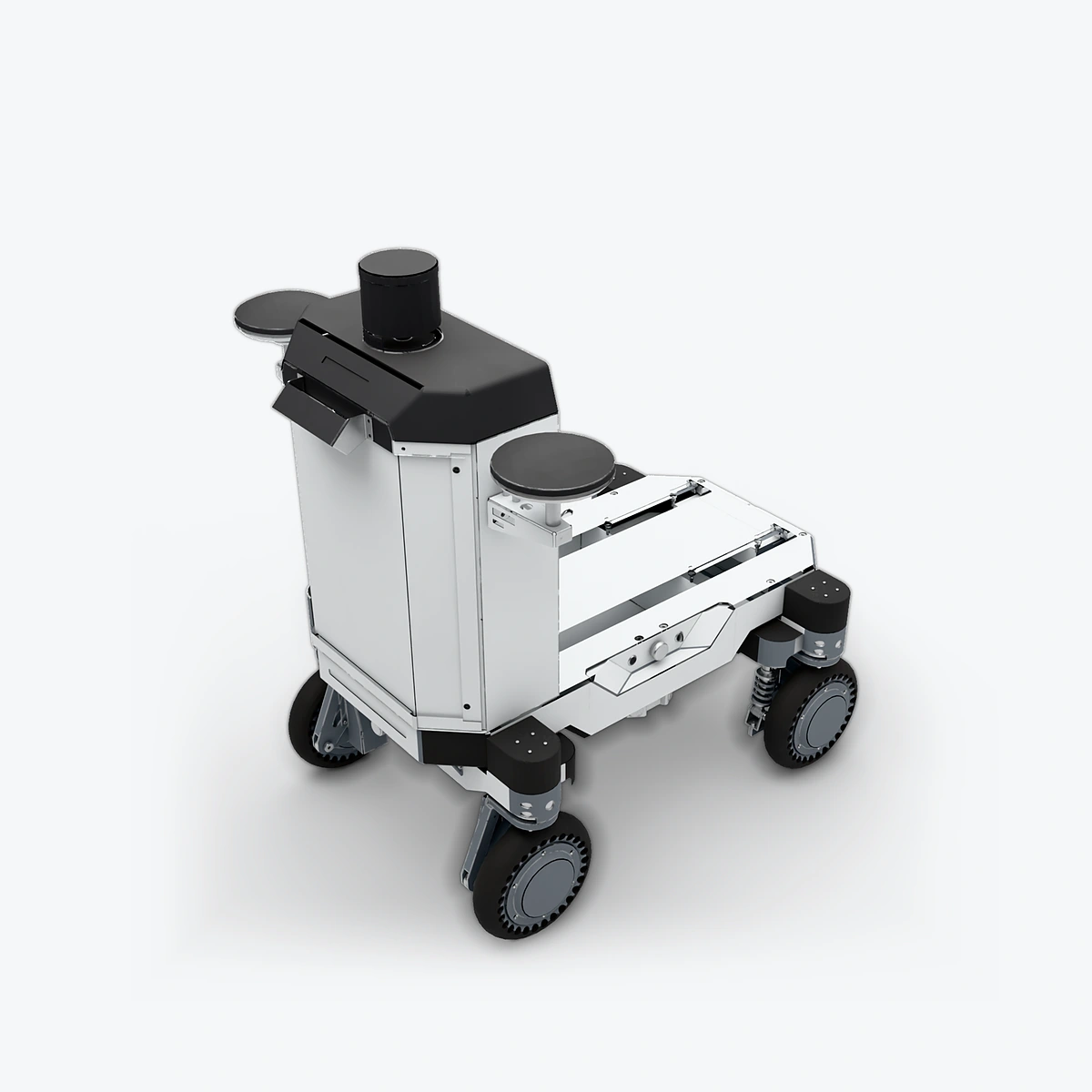
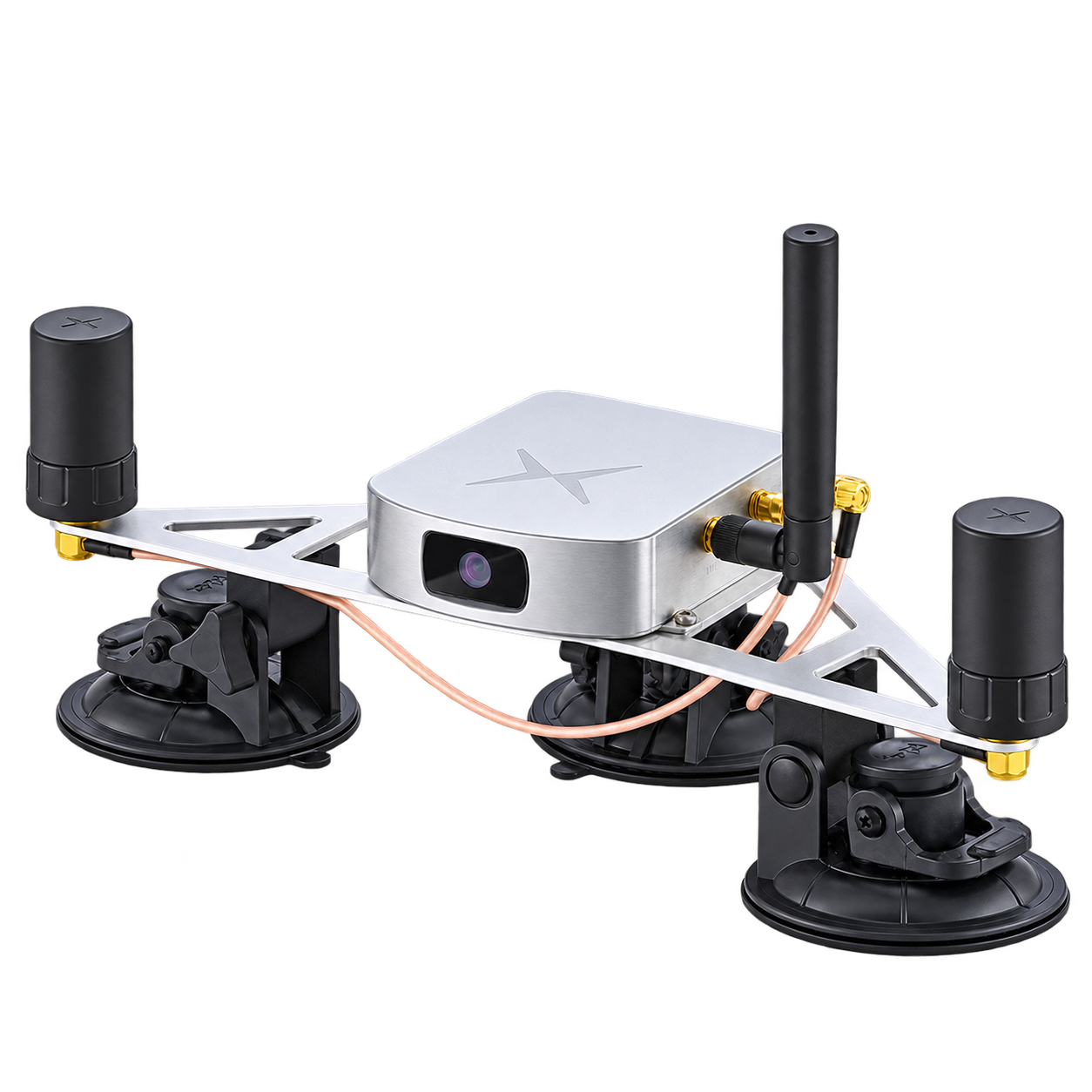
Explore the compute, perception and mobile platforms used in related solutions; see each solution for compatibility conditions and options.