Home / TerraAgent 2.0 · Modular Perception Payload
System configuration · Positioning & perception expansion
TerraAgent 2.0 · Modular Perception Payload
Select positioning awareness payload for the existing quadruped robot. Organize positioning, structure and LiDAR extensions by version, retaining a clear interface between the robot body and payload.
The following describes the role of each module in the system; the actual connection depends on the selected device interface and software configuration.
01
Positioning input
RTK and Robotics's own pose information cooperate with each other.
02
modular structure
organizes positioning, perception, power distribution and communication components.
03
Perceptual expansion
2.0 combines the LiDAR with the color depth perception to select data access and application software by task.
04
Robotics interface
matches installation, power supply, network and software interfaces.
Available range
1.0 positioning version / 2.0 perception enhanced version
Optional configurations for positioning, cameras and computing
Configuring mounting and connecting components by robot model
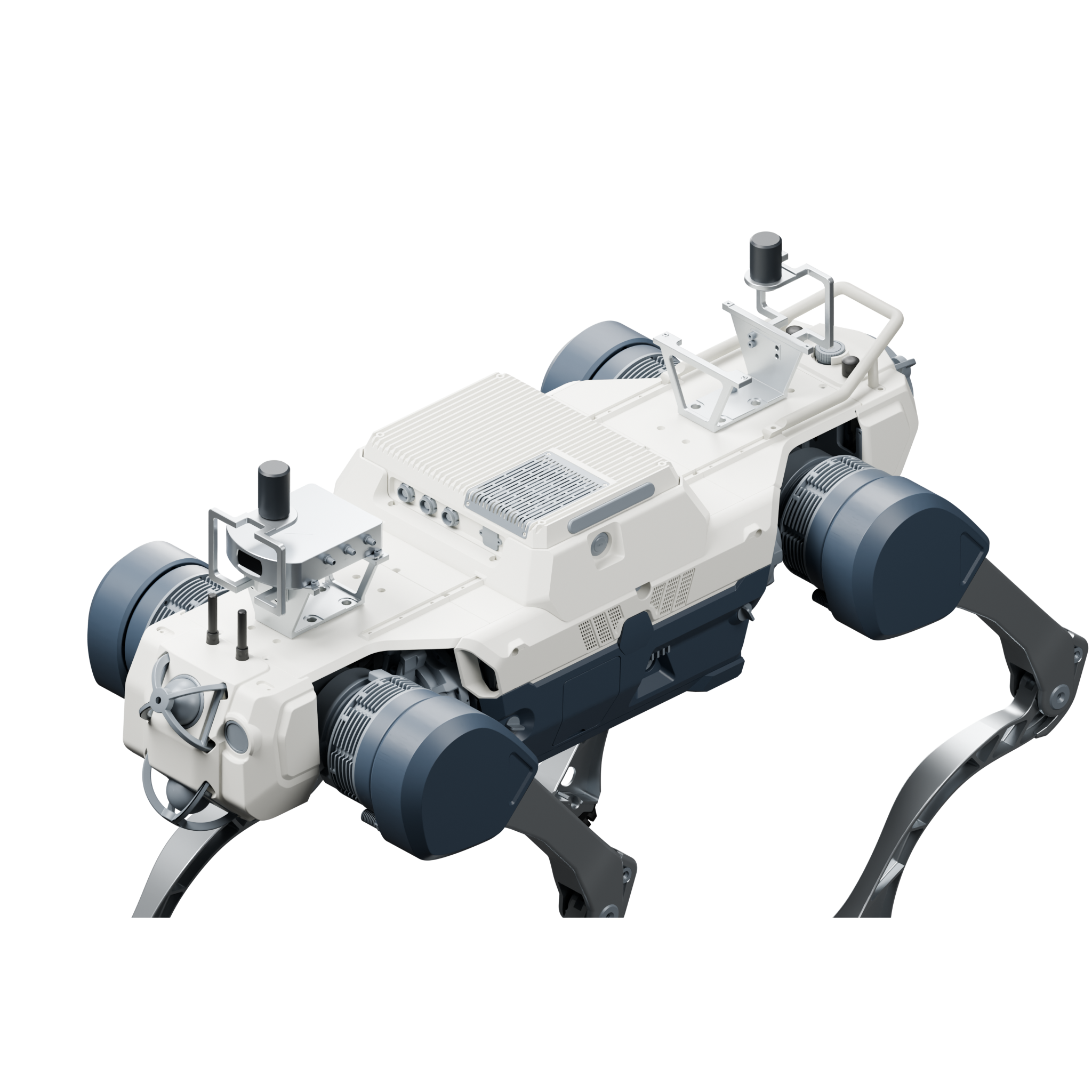
Using 1 Fixposition Vision-RTK 2 and 1 antennas at the front and rear, the built-in camera in the fuselage participates in positioning; the robot data access is matched according to the bearing platform.
Vision-RTK 2 positioning host
Front and rear dual GNSS antenna layout
Built-in camera and positioning data access
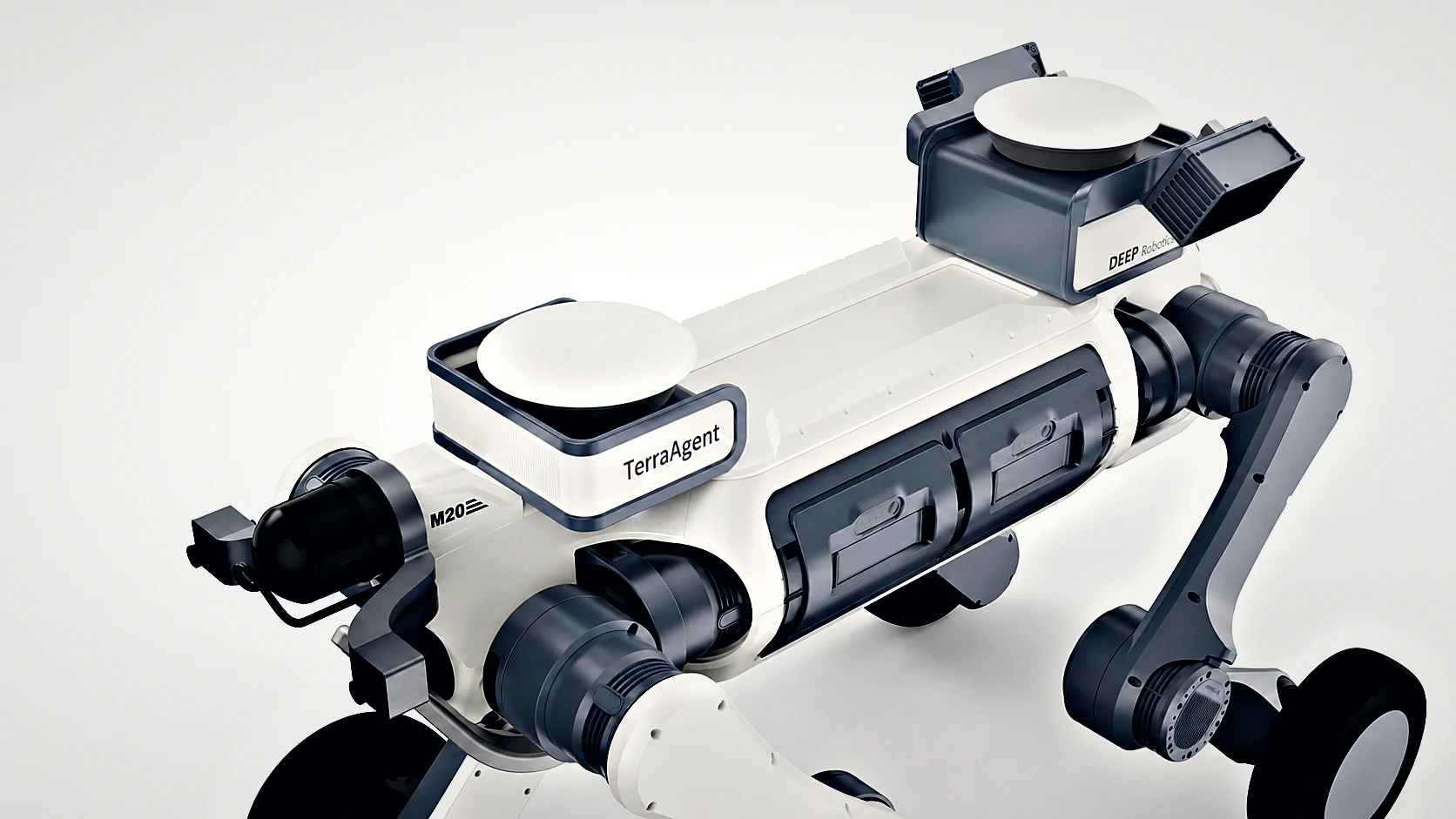
2.0 · Enhanced perception
Installation illustration
Organize RTK positioning, JT128 LiDAR and Odin color depth sensing into the compact modular payload, preserving central installation space.
Modular positioning and perceptual layout
LiDAR point cloud and color depth perception
RDK S100 or existing computing device access
Installation and connection conditions
The mechanical, electrical, and software interfaces between devices collectively determine system configuration.
positioning Fusion
needs to obtain the SLAM or pose Data interface used by Robotics, and match the coordinates and time.
Mechanical accessories
PayloadWeight, center of gravity, maintenance space and cable routing all determine the installation plan.
Perceptual expansion
LiDAR Data bandwidth, synchronization, Power supply and algorithm overhead are checked according to the selected Sensor configuration.
Configure the entire solution
Select the version and number of sets, and select products in the same place. included in package, additional items and customer-supplied are listed separately.
Preparing configuration options. The complete solution will be saved as a set of products, with included in package, additional items and customer-supplied listed separately.