From product selection, to the appropriate system configuration.
Determine the use first, then compare chassis, perception, positioning and computing components. Each combination describes the functional division of labor, accessories conditions and optional extensions.
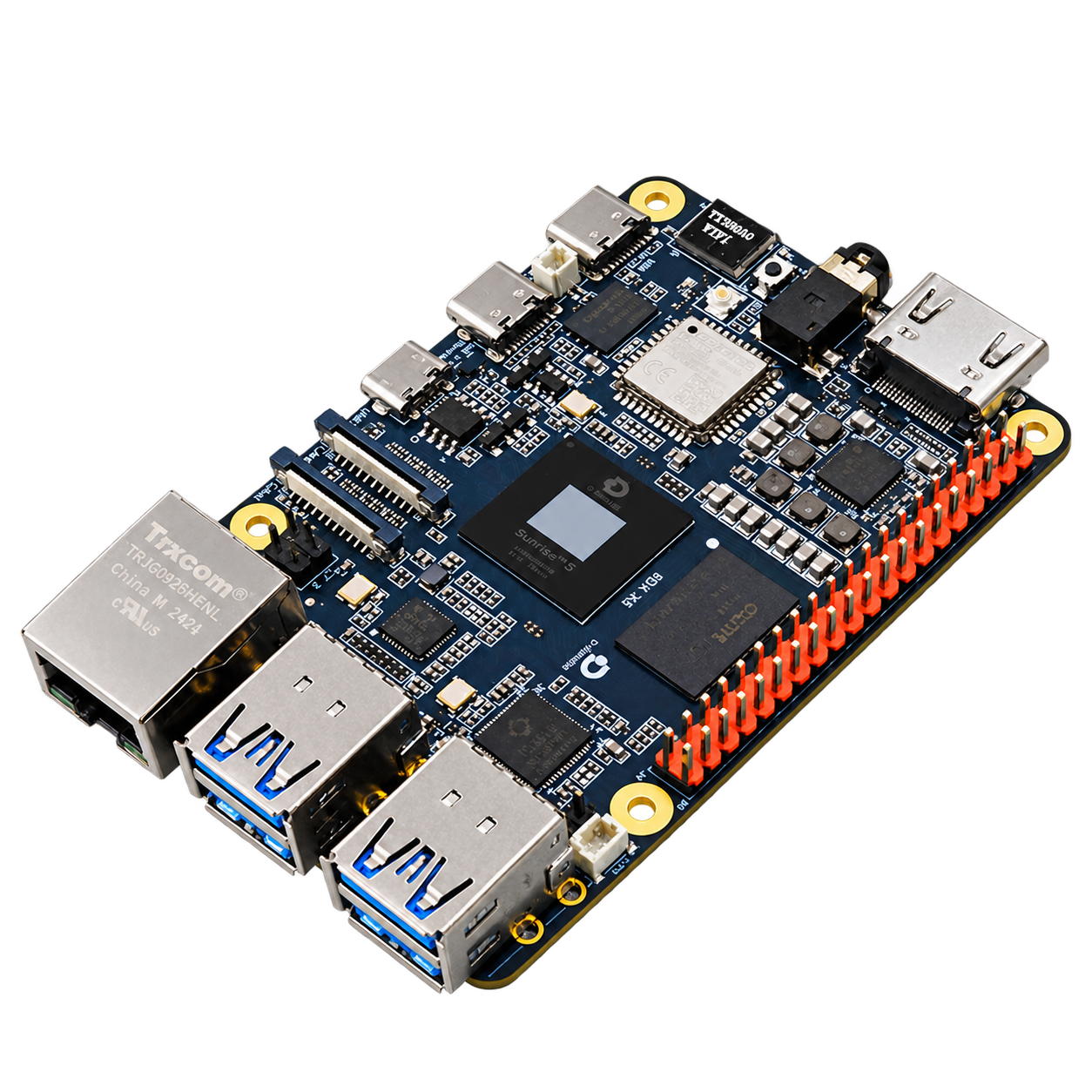
Start with a development board, camera, and system image to build a development portfolio for image acquisition, model inference, and robot vision learning.
First time using RDK Visual courses and scientific research experiments
RDK X5 and memory selection
Camera, storage, power and cooling packages
Optional onboarding and application adaptation support
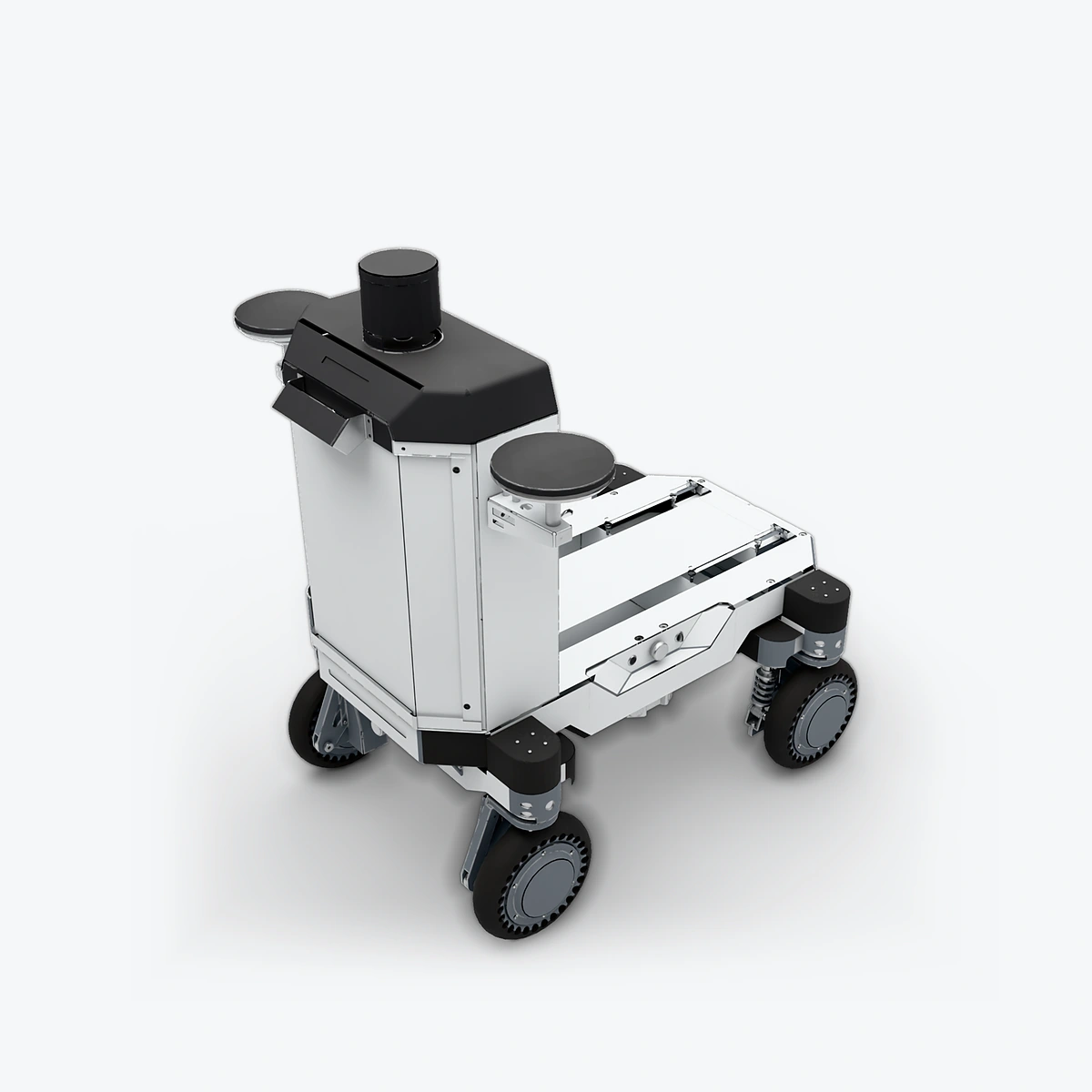
Combine Luchs A in your chosen build with RDK, vision and positioning components to grow from chassis control to mobile perception and navigation development.
Mobile Robot Course Path following and control research
A Luchs A chassis configuration
A matching set of RDK compute configurations
Optional vision, positioning and integration support
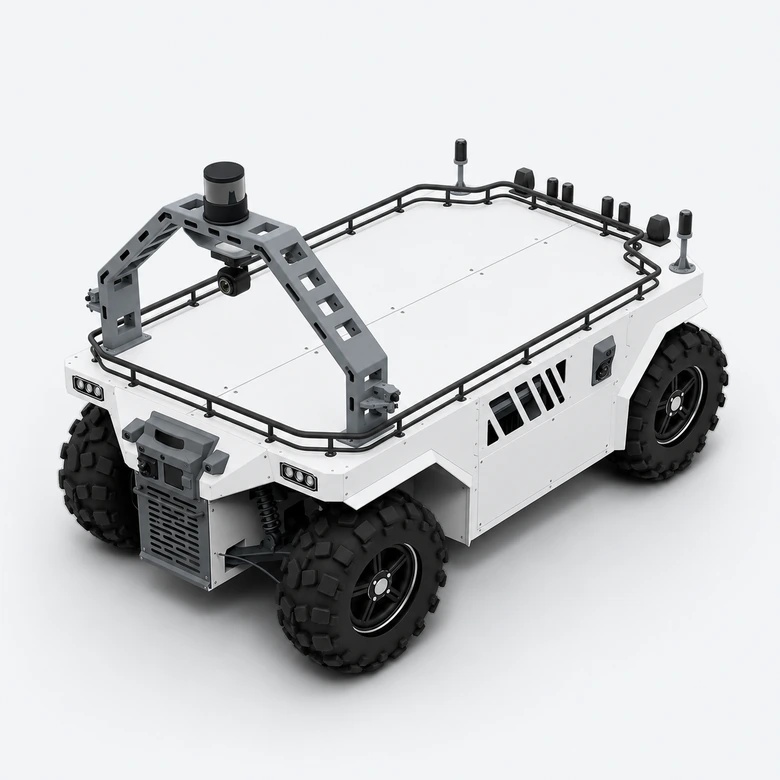
11 SENSING main cameras, independent fusion positioning, 2 ATX, 4 FTX180 and front and rear mmWave radar; single S600 or dual S100P compute option. The architecture must be validated for each task.
Outdoor independent mobile development Park inspection and load transportation
Main vision camera: 11
Fusion positioning: positioning unit, dual GNSS antennas, independent binoculars
Configure the inspection system at three levels — robot body, payload version and mission load — balancing mobility conditions, positioning and environmental perception.
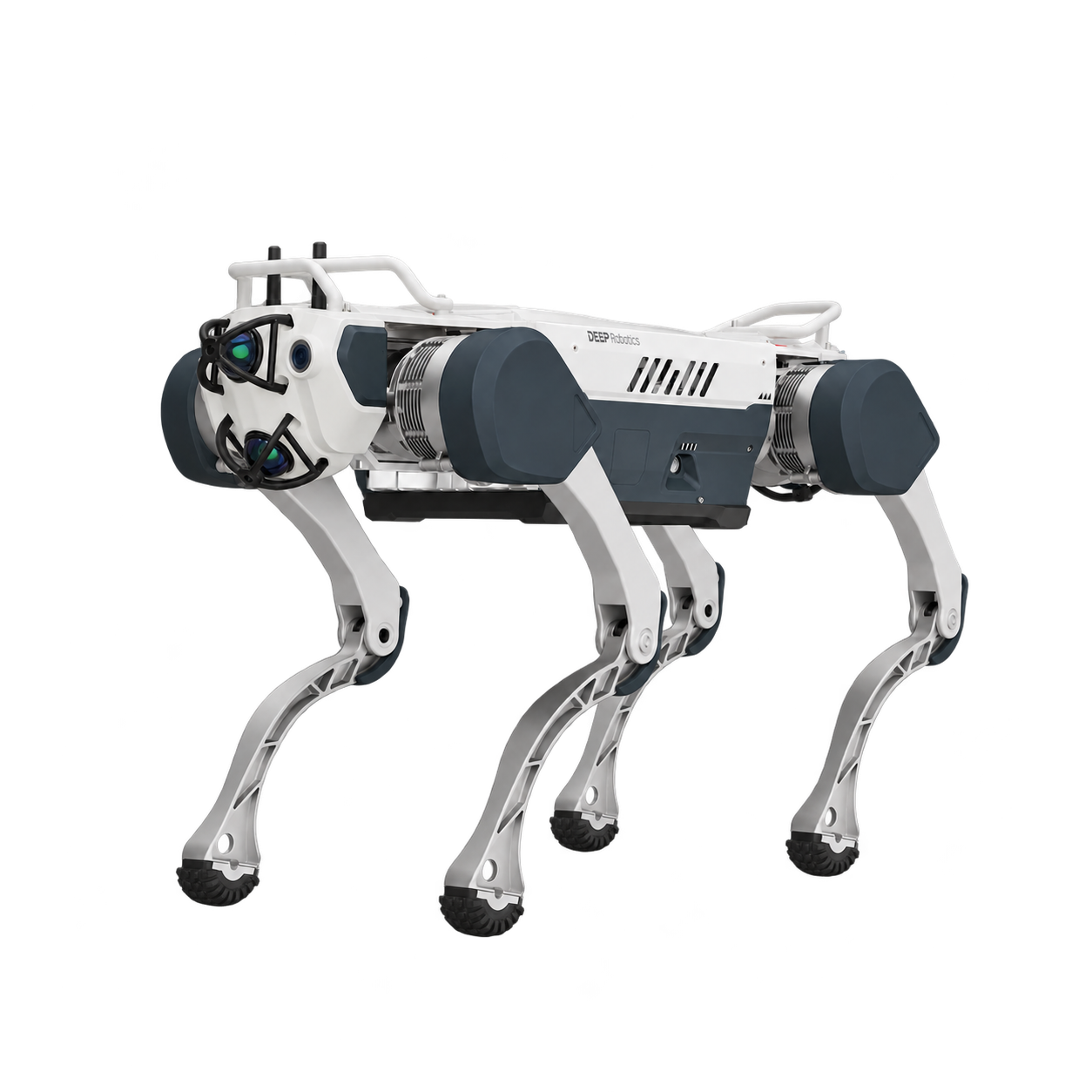
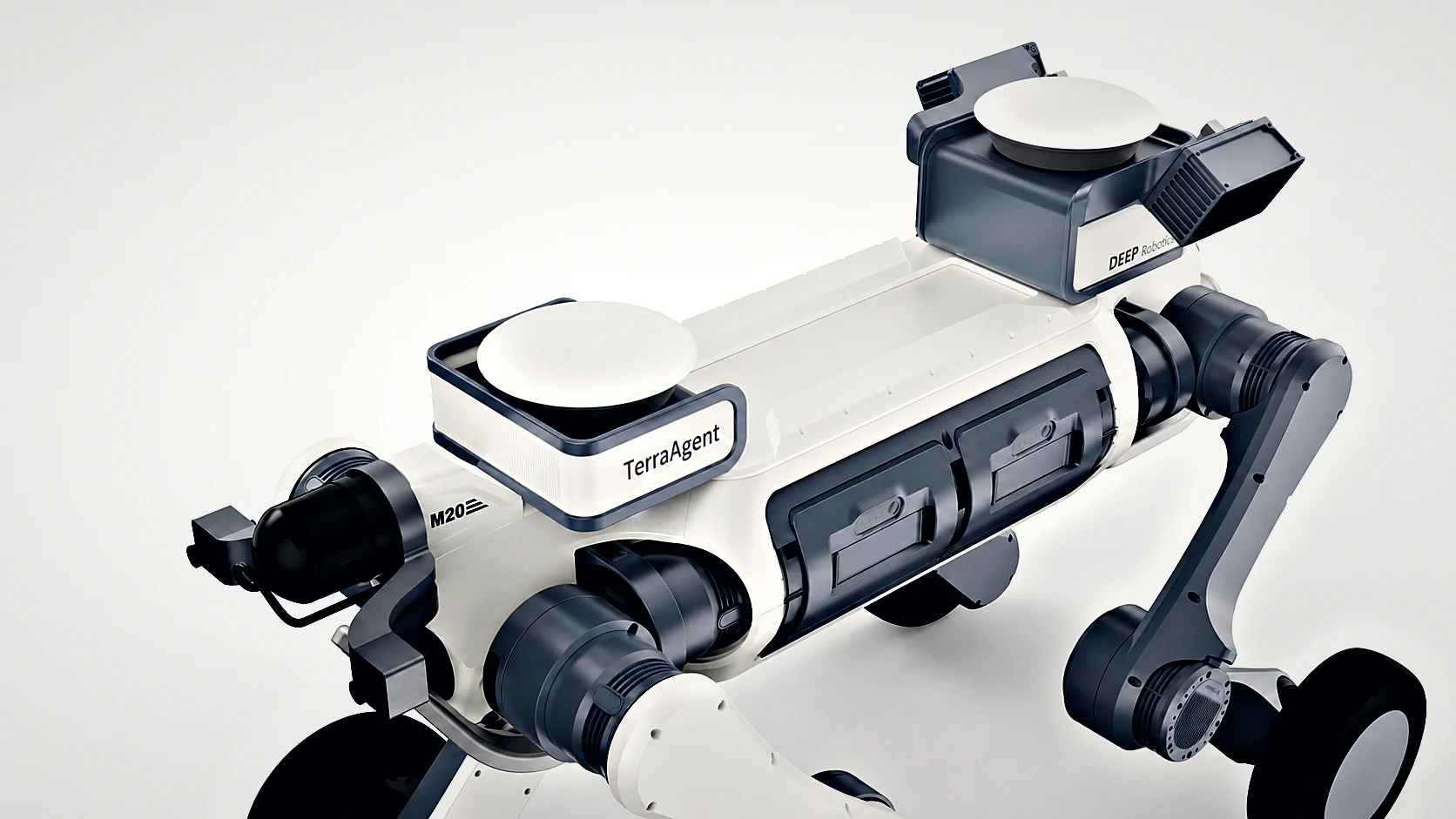
Industrial site inspection Movement on steps and mixed surfaces
X30 or LYNX M20 platform selection
A version of perception positioning payload
Optional external RDK calculation and task integration
Select positioning awareness payload for the existing quadruped robot. Organize positioning, structure and LiDAR extensions by version, retaining a clear interface between the robot body and payload.
Positioning upgrade of existing robots Modular load installation
1.0 positioning version / 2.0 perception enhanced version
Optional configurations for positioning, cameras and computing
Configuring mounting and connecting components by robot model
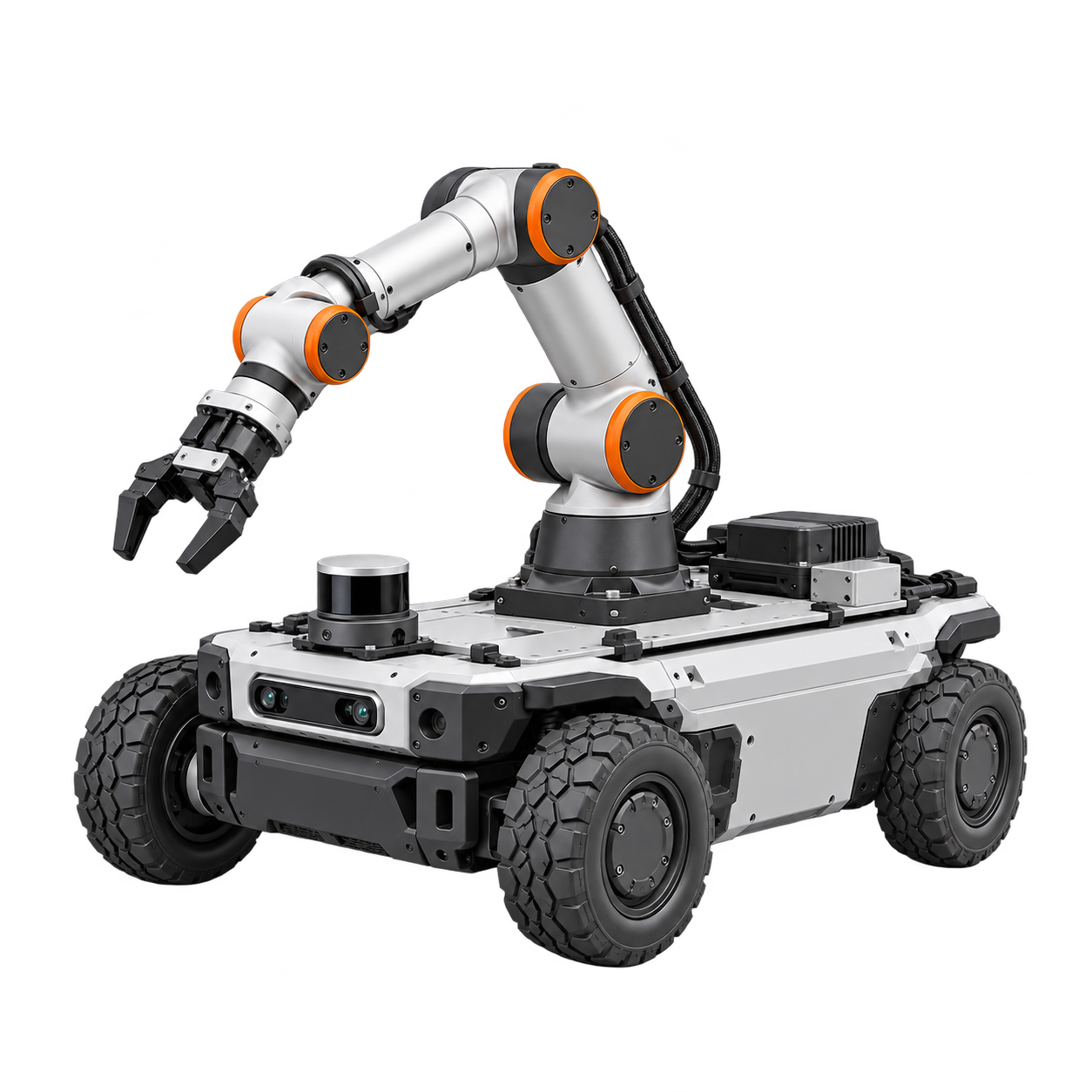
organizes the mobile chassis, robotic arm, perception and end tools into an operating system. First clarify the scope of work, center of gravity, control and collaborative control, and then select specific equipment.