
D-Robotics RDK X5
- Hosts listed by the manufacturer
- D-Robotics RDK X5
 Germany
 Netherlands
 Switzerland
 Austria
 Norway
 Finland
D-Robotics D-Robotics · Access and supporting accessories
RDK X5 official black metal casing, provides installation and daily use support for the development board. The expansion board, heat dissipation and interface space are confirmed according to the combination.
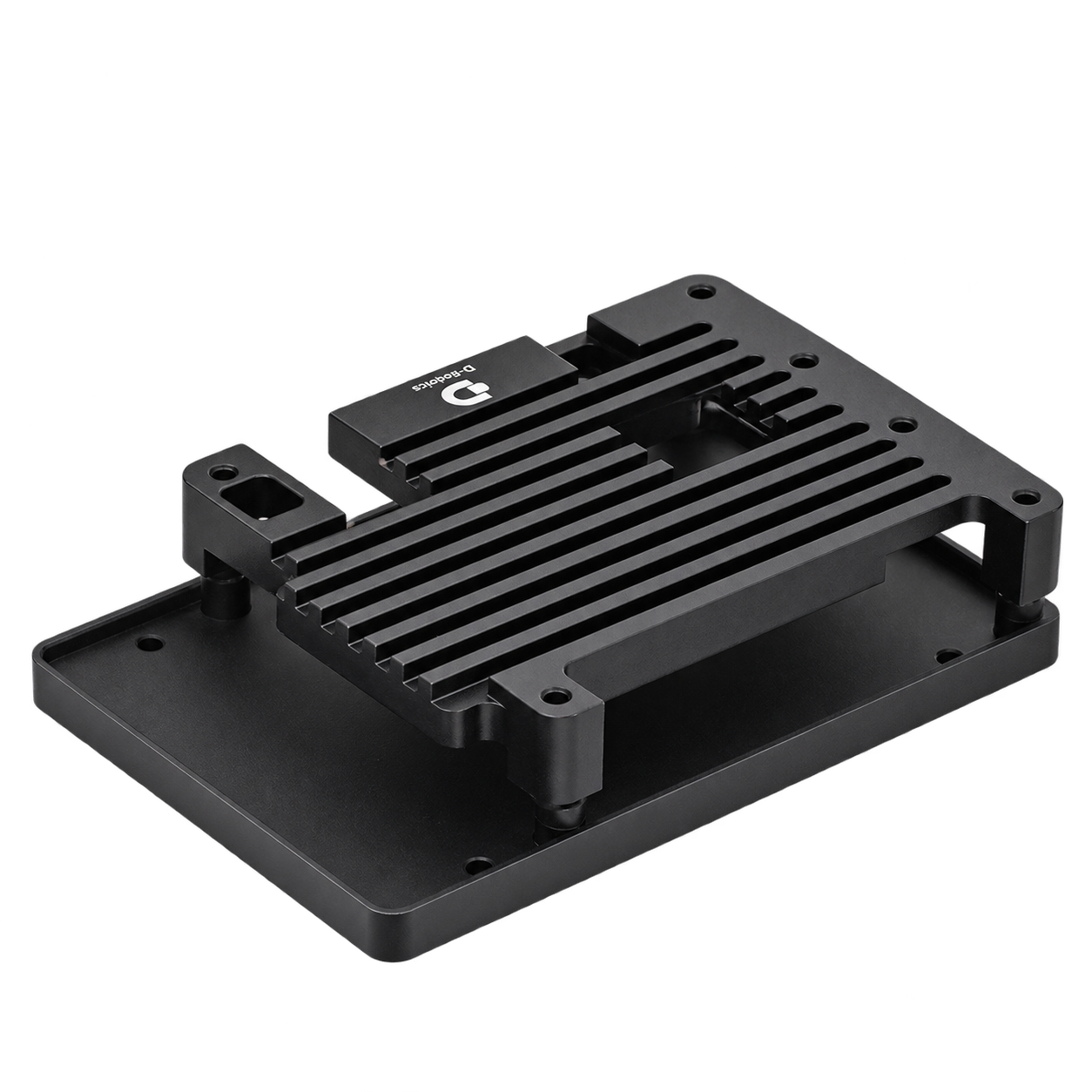
Official RDK accessories
Supported hosts and connections are listed in the manufacturer's documentation.
| material and heat dissipation | black metal shell |
|---|---|
| Applicable host | D-Robotics RDK X5 |
Included items, options, wiring harnesses and mounting hardware are confirmed according to the selected model and system configuration.
When using these documents, please check the product model, hardware configuration and document version.