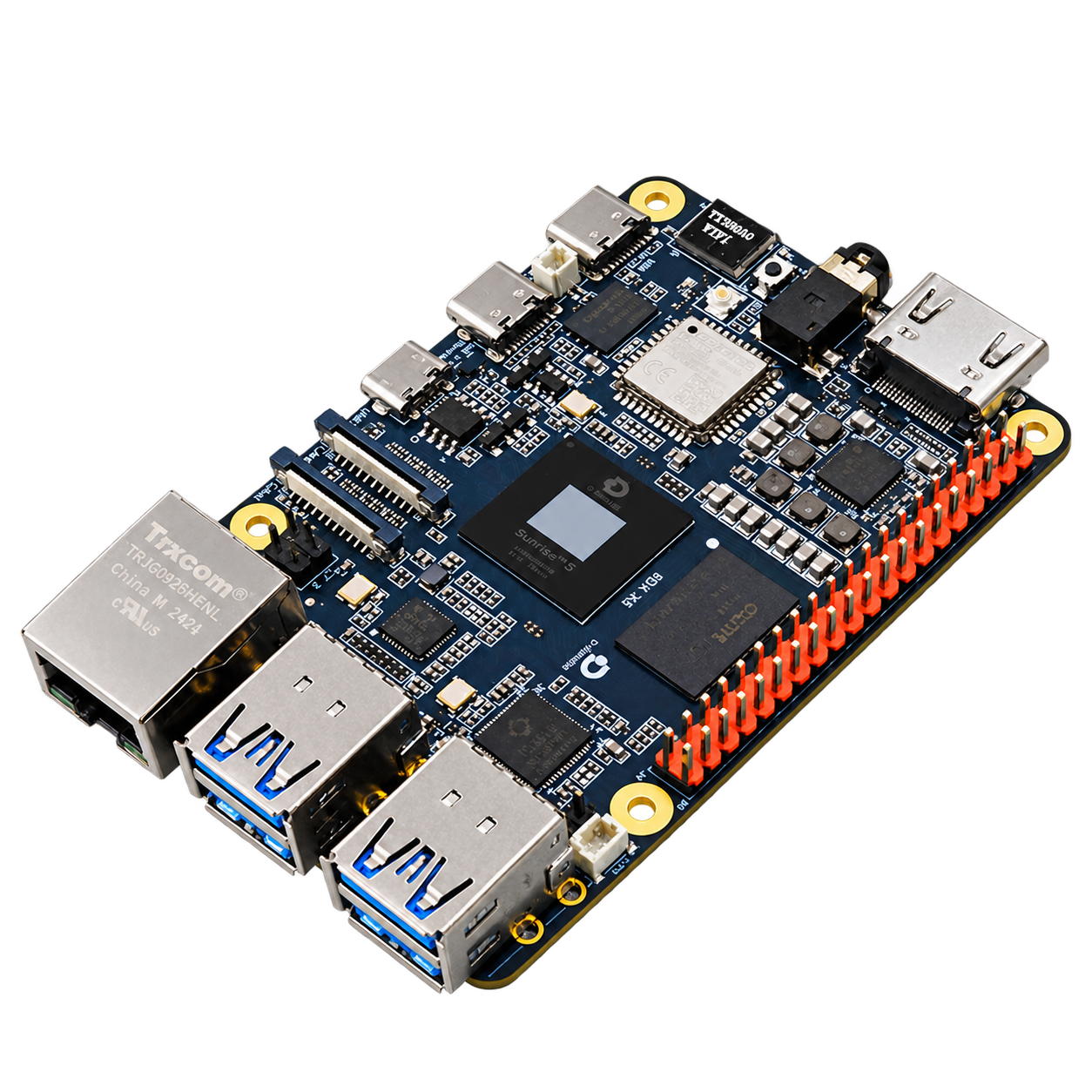
Start with a development board, camera, and system image to build a development portfolio for image acquisition, model inference, and robot vision learning.
First time using RDK Visual courses and scientific research experiments single-channel or dual-channel vision application development
The following describes the role of each module in the system; the actual connection depends on the selected device interface and software configuration.
01
image input
Select MIPI or USB camera with matching driver.
02
RDK X5
image processing, model inference and Robotics application development.
03
Storage and Network
system startup, model file and development connection.
04
application output
detection results, image display or Robotics messages.
Available range
RDK X5 and memory selection
Camera, storage, power and cooling packages
Optional onboarding and application adaptation support
Installation and connection conditions
The mechanical, electrical, and software interfaces between devices collectively determine system configuration.
Camera connectivity
MIPI / USB cameras are selected according to the driver support list; GMSL2 cameras also require corresponding access hardware.
Power & cooling
power supply, cables and heat dissipation are designed to load the accessories according to the development board to avoid affecting the operation due to the voltage drop of the Power supply.
development connection
deploys applications through the network or debug interface, retaining image and model versions.
Configure the entire solution
Select the version and number of sets, and select products in the same place. included in package, additional items and customer-supplied are listed separately.
Preparing configuration options. The complete solution will be saved as a set of products, with included in package, additional items and customer-supplied listed separately.
 Germany
 Netherlands
 Switzerland
 Austria
 Norway
 Finland