Configure the inspection system at three levels — robot body, payload version and mission load — balancing mobility conditions, positioning and environmental perception.
Industrial site inspection Movement on steps and mixed surfaces positioning integrated with mission perception
The following describes the role of each module in the system; the actual connection depends on the selected device interface and software configuration.
01
Mobile platforms
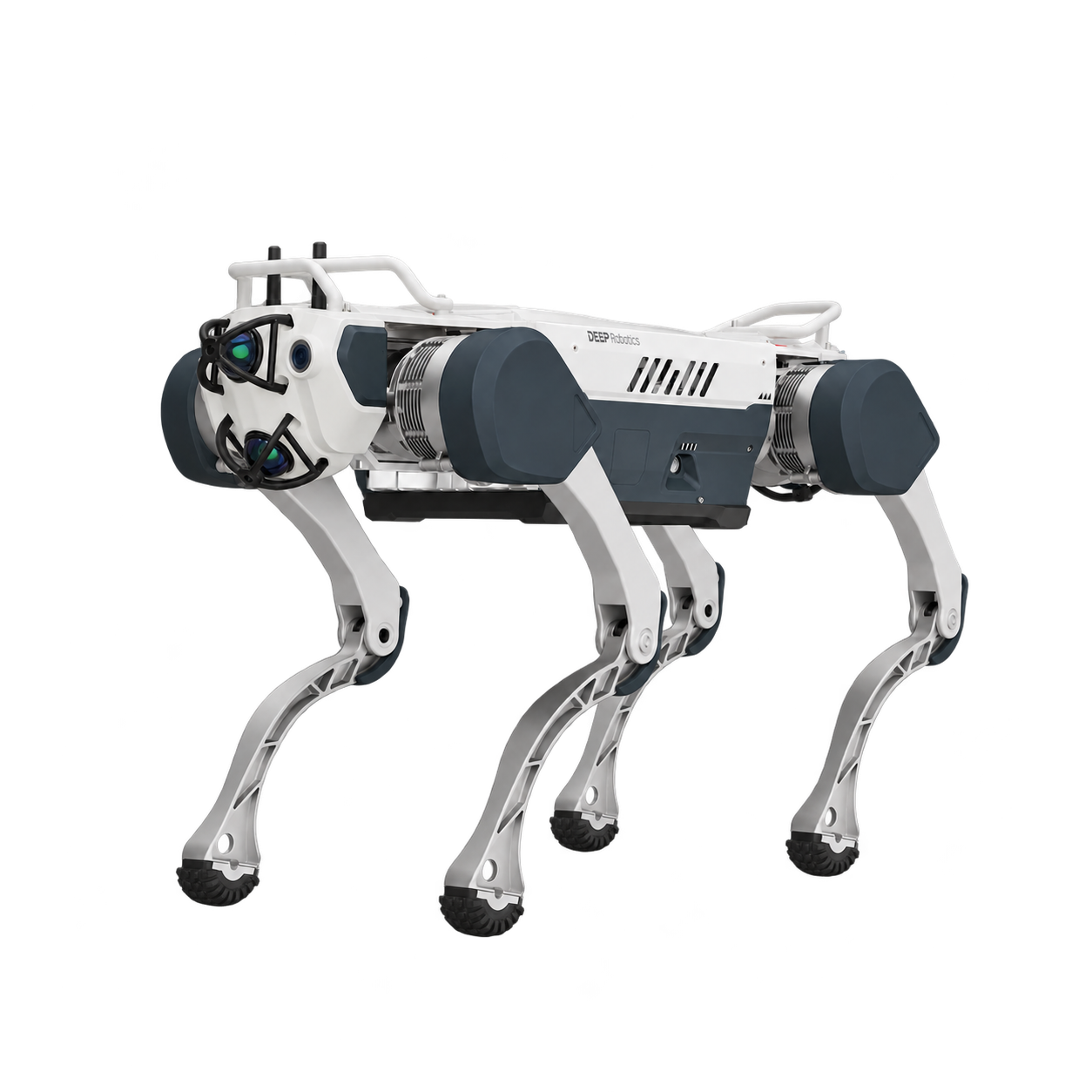
Select the Robotics model based on the task road surface and Payload.
02
positioningperceptionpayload
Choose 1.0 positioning version or 2.0 perception enhanced version.
03
tasks and calculations
configures software, external computing and communications by task.
04
Control & operation
gets the job done with matching control station and takeover methods.
Available range
X30 or LYNX M20 platform selection
A version of perception positioning payload
Optional external RDK calculation and task integration
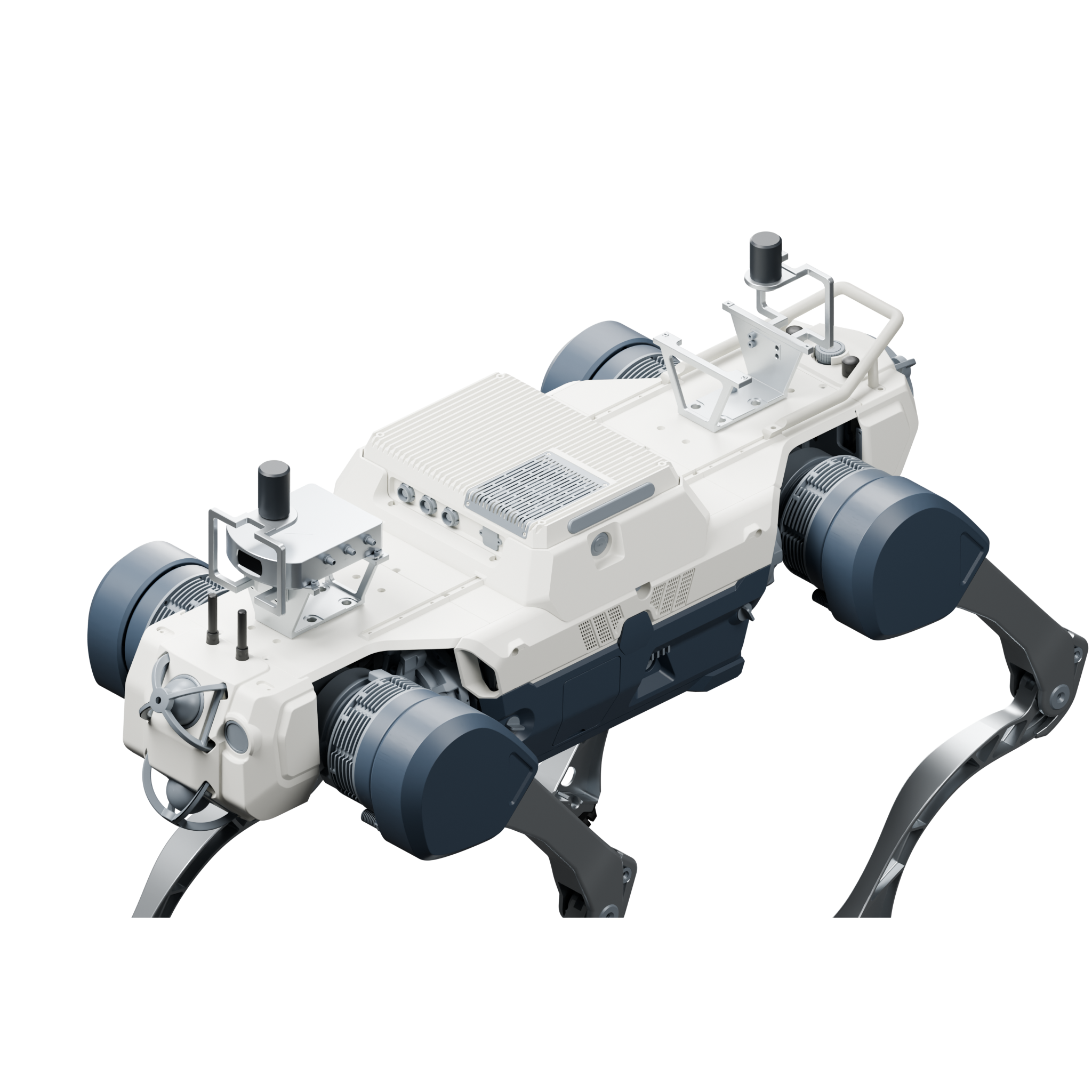
Using 1 Fixposition Vision-RTK 2 and 1 antennas at the front and rear, the built-in camera in the fuselage participates in positioning; the robot data access is matched according to the bearing platform.
Vision-RTK 2 positioning host
Front and rear dual GNSS antenna layout
Built-in camera and positioning data access
2.0 · Enhanced perception
Installation illustration
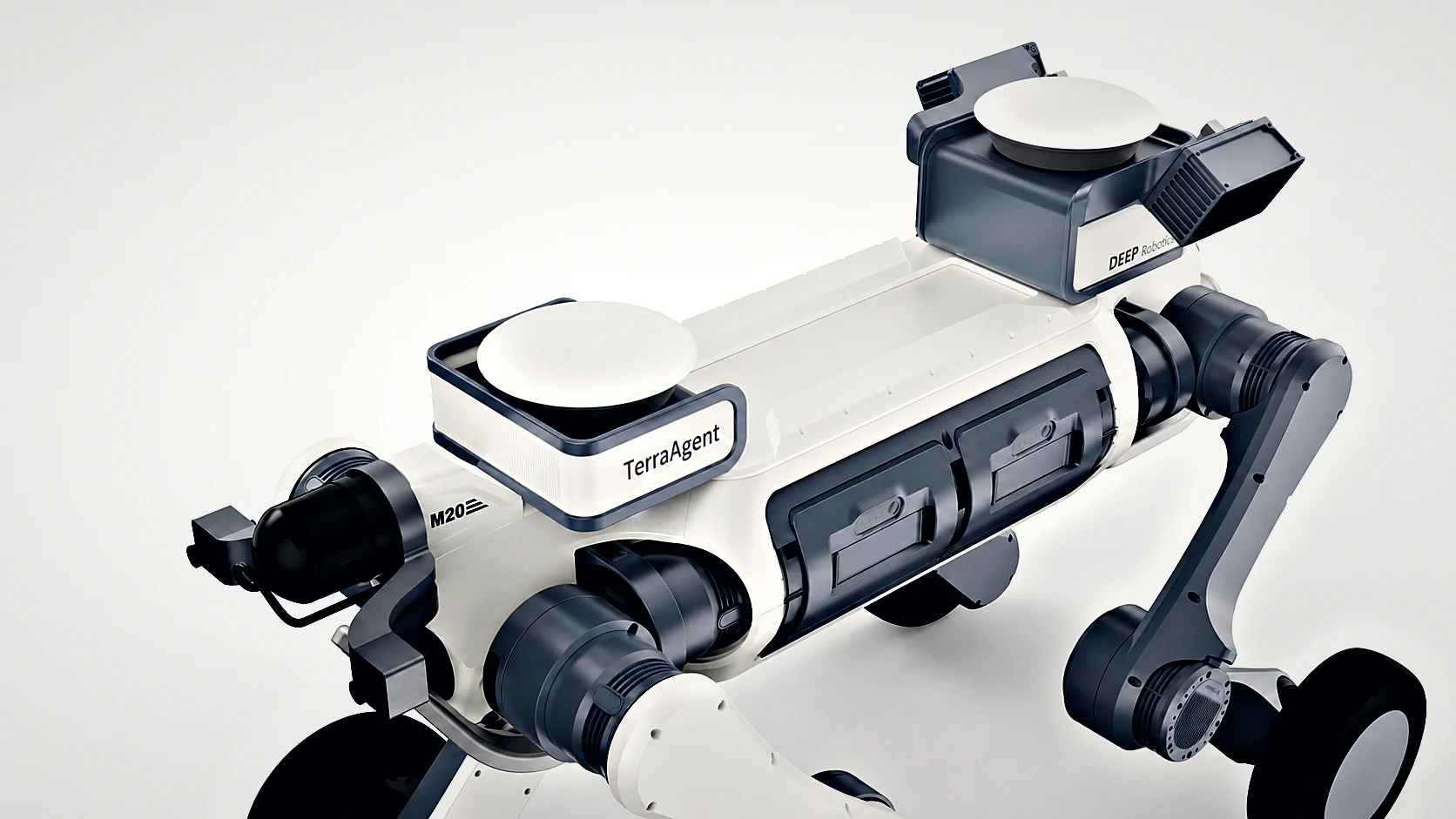
Organize RTK positioning, JT128 LiDAR and Odin color depth sensing into the compact modular payload, preserving central installation space.
Modular positioning and perceptual layout
LiDAR point cloud and color depth perception
RDK S100 or existing computing device access
Installation and connection conditions
The mechanical, electrical, and software interfaces between devices collectively determine system configuration.
Payload installation
payload, wiring harness and power distribution components are collectively included in Payload, and the installation method must correspond to the specific Robotics.
Data interface
Robotics pose, SLAM and payload data use consistent coordinates and time.
task software
Inspection task, route management and detection functions are respectively configured according to the selected software.
Configure the entire solution
Select the version and number of sets, and select products in the same place. included in package, additional items and customer-supplied are listed separately.
Preparing configuration options. The complete solution will be saved as a set of products, with included in package, additional items and customer-supplied listed separately.