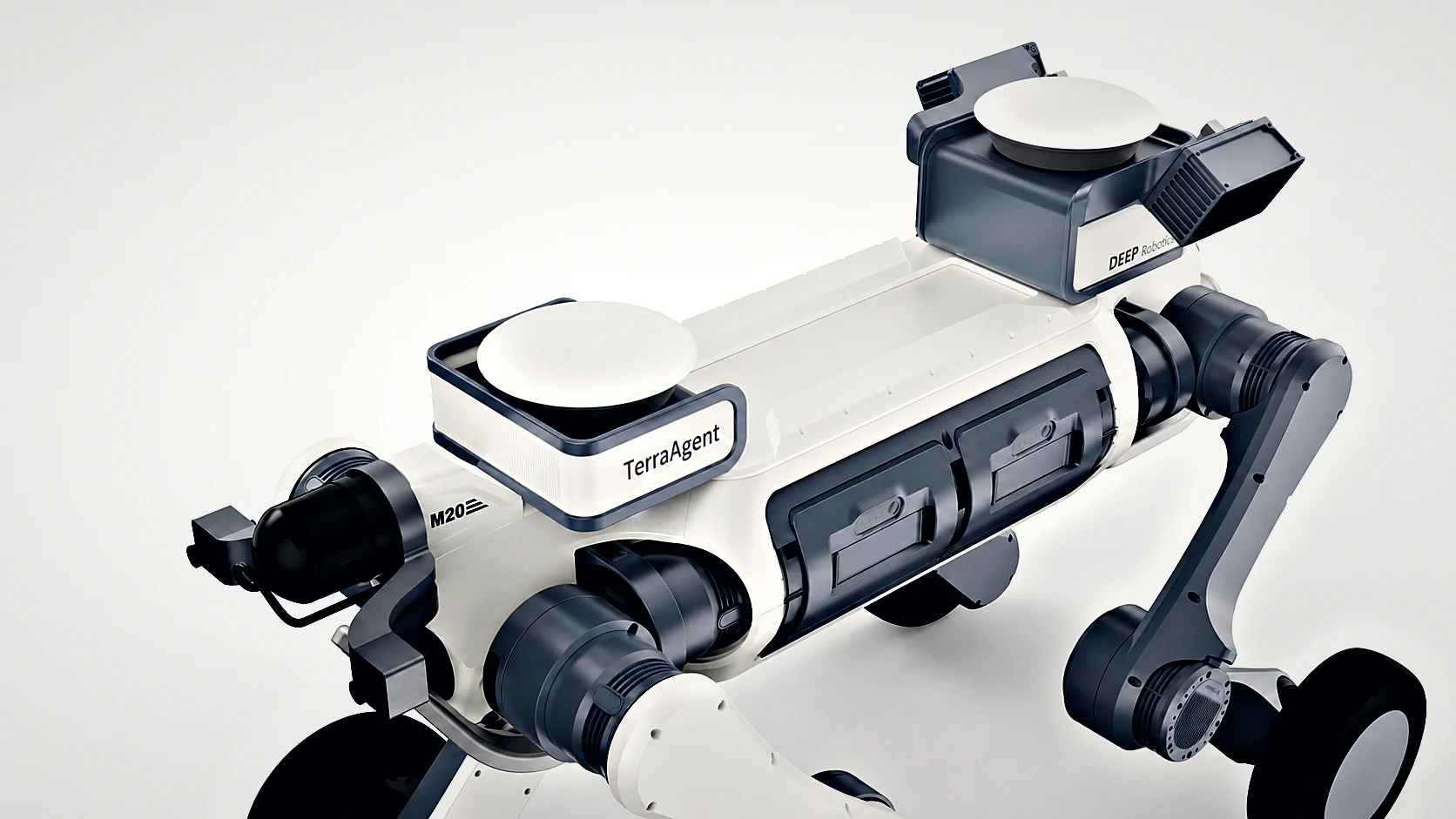
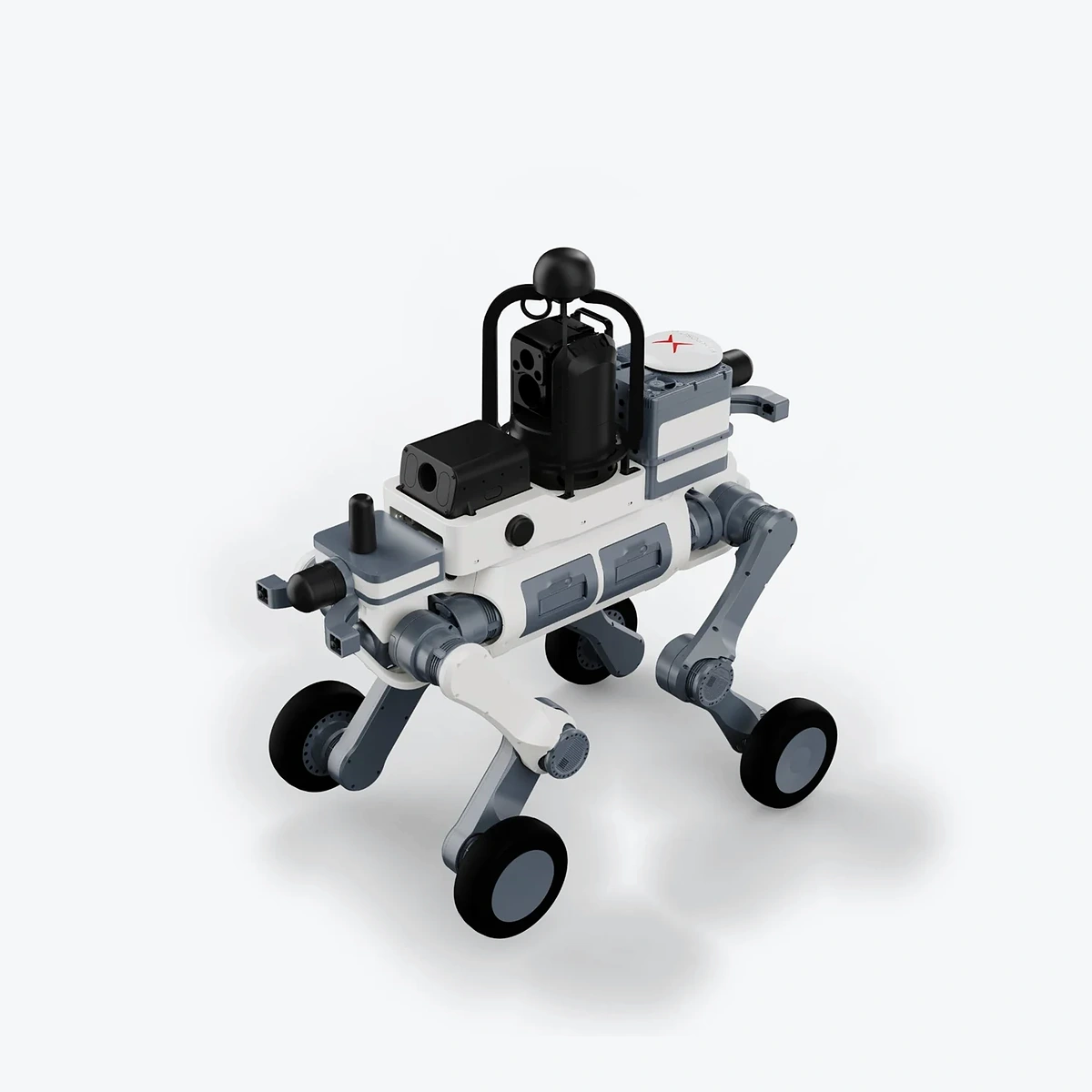
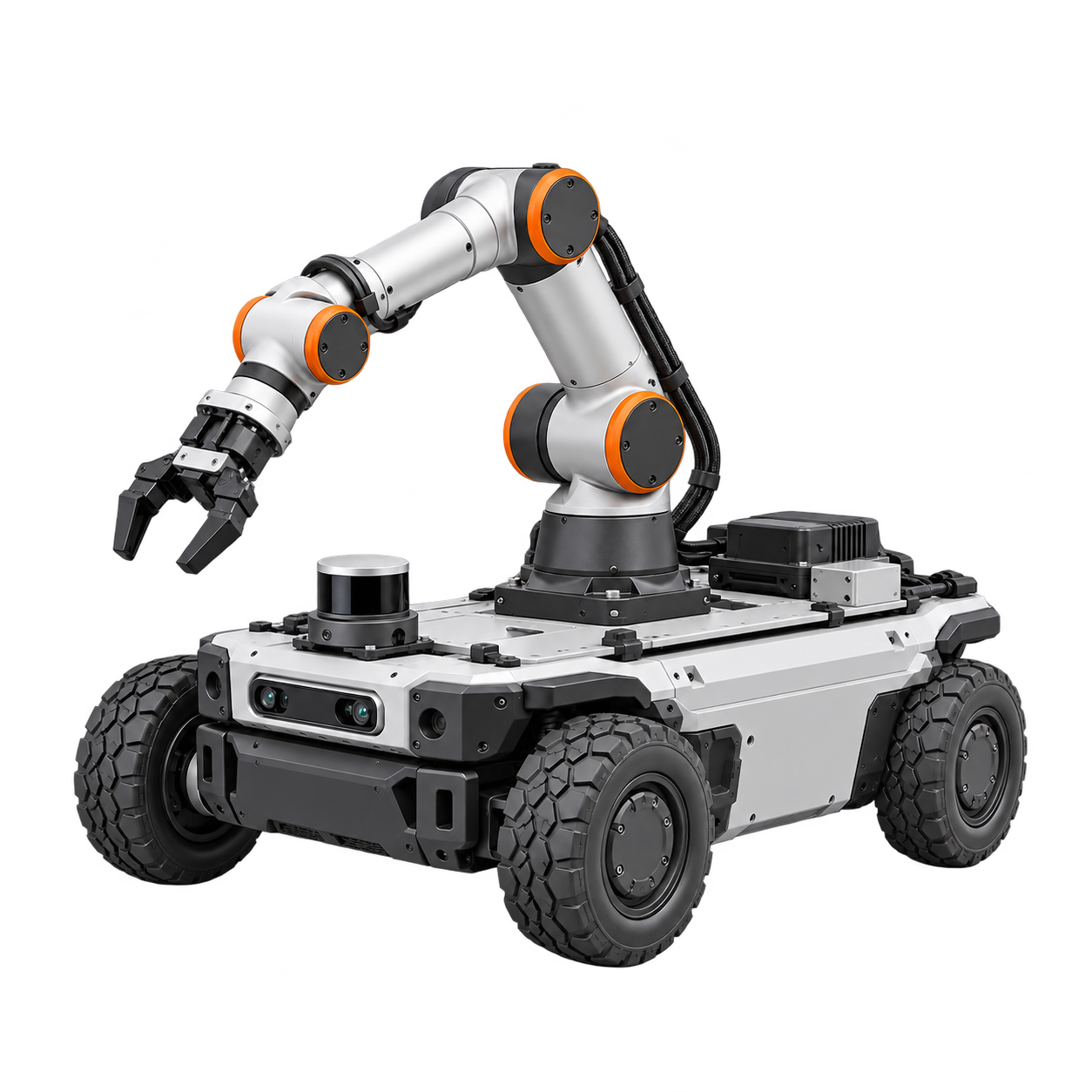
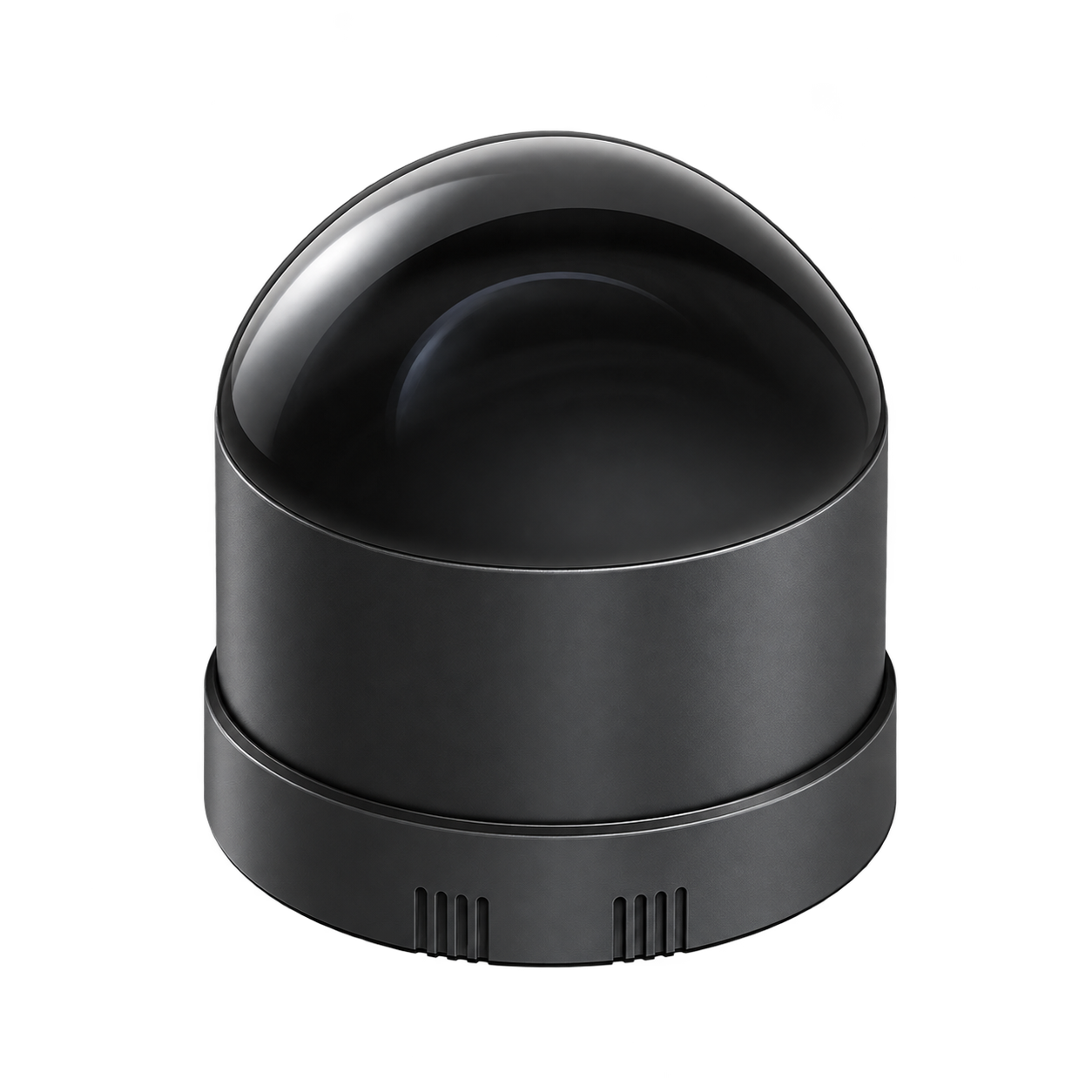
TerraAgent organizes positioning, perception and calculation into the modular robot payload. 1.0 adopts Fixposition Vision-RTK 2 and front and rear dual GNSS antenna positioning; 2.0 adds LiDAR with color depth perception in a compact layout, and selects calculation configuration according to robot interface and task.
1.0: Vision-RTK 2 + front and rear dual GNSS antenna positioning
2.0: modular structure and LiDAR, color depth perception
JT128 and Odin1 series are composed of perception configuration according to tasks
with S100 / without S100 two calculation options
Typical tasks
quadrupedRoboticspositioning enhanced
modular InspectionPayload integrated
adds Robotics environment perception
What to consider
positioning is the main task to choose 1.0; when point cloud and depth perception are required, compare 2.0.
2.0 can choose accessories RDK S100 to calculate or connect to existing computing equipment; this is a configuration difference.
First confirm the Robotics model, Payload interface and software data output, and then select the installation and device combination.
Version and feature differences
1.0 · Dual-antenna RTK positioning
Installation illustration
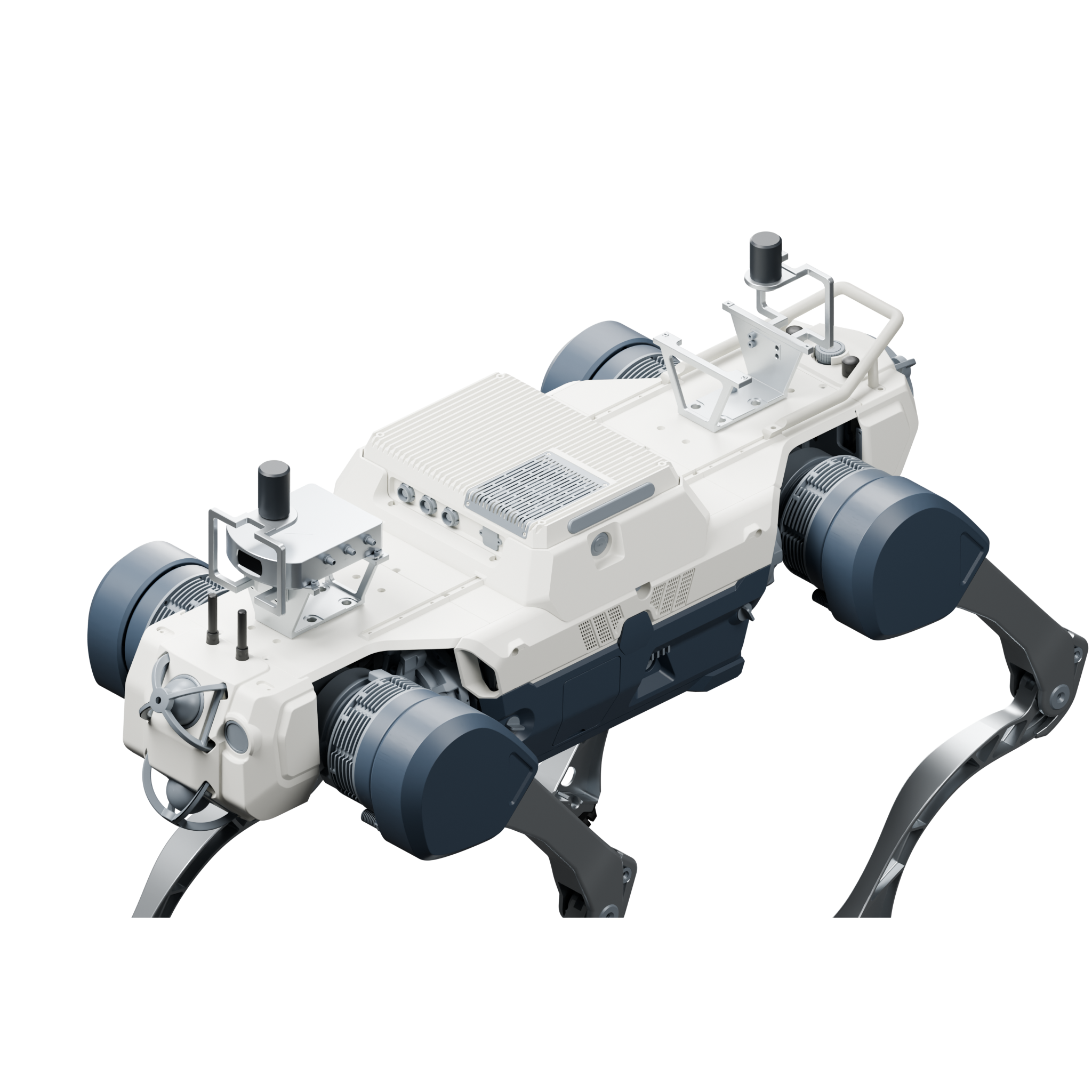
Using 1 Fixposition Vision-RTK 2 and 1 antennas at the front and rear, the built-in camera in the fuselage participates in positioning; the robot data access is matched according to the bearing platform.
Vision-RTK 2 positioning host
Front and rear dual GNSS antenna layout
Built-in camera and positioning data access
Composition, compatibility and upgrades
Scope of this version
Fixposition Vision-RTK 2 Host ×1 (including body Integrated camera)
Front GNSS antenna ×1 + Rear GNSS antenna ×1
Robotics data, Power supply, cables and installation accessories are checked according to configuration
Operating conditions
antenna, cables, and mounting hardware are checked according to the Robotics configuration.
Integrated camera is not separately listed as two external cameras; the independent vision add-on is not included by default.
On integration, match RTK corrections, coordinate frames, timestamps and the robot's SLAM or pose interface.
Upgrades and expansion
to 2.0, the existing positioning equipment and installation structure are evaluated, and then point cloud, depth perception and corresponding computing access are added.
2.0 · Enhanced perception
Installation illustration
Organize RTK positioning, JT128 LiDAR and Odin color depth sensing into the compact modular payload, preserving central installation space.
Modular positioning and perceptual layout
LiDAR point cloud and color depth perception
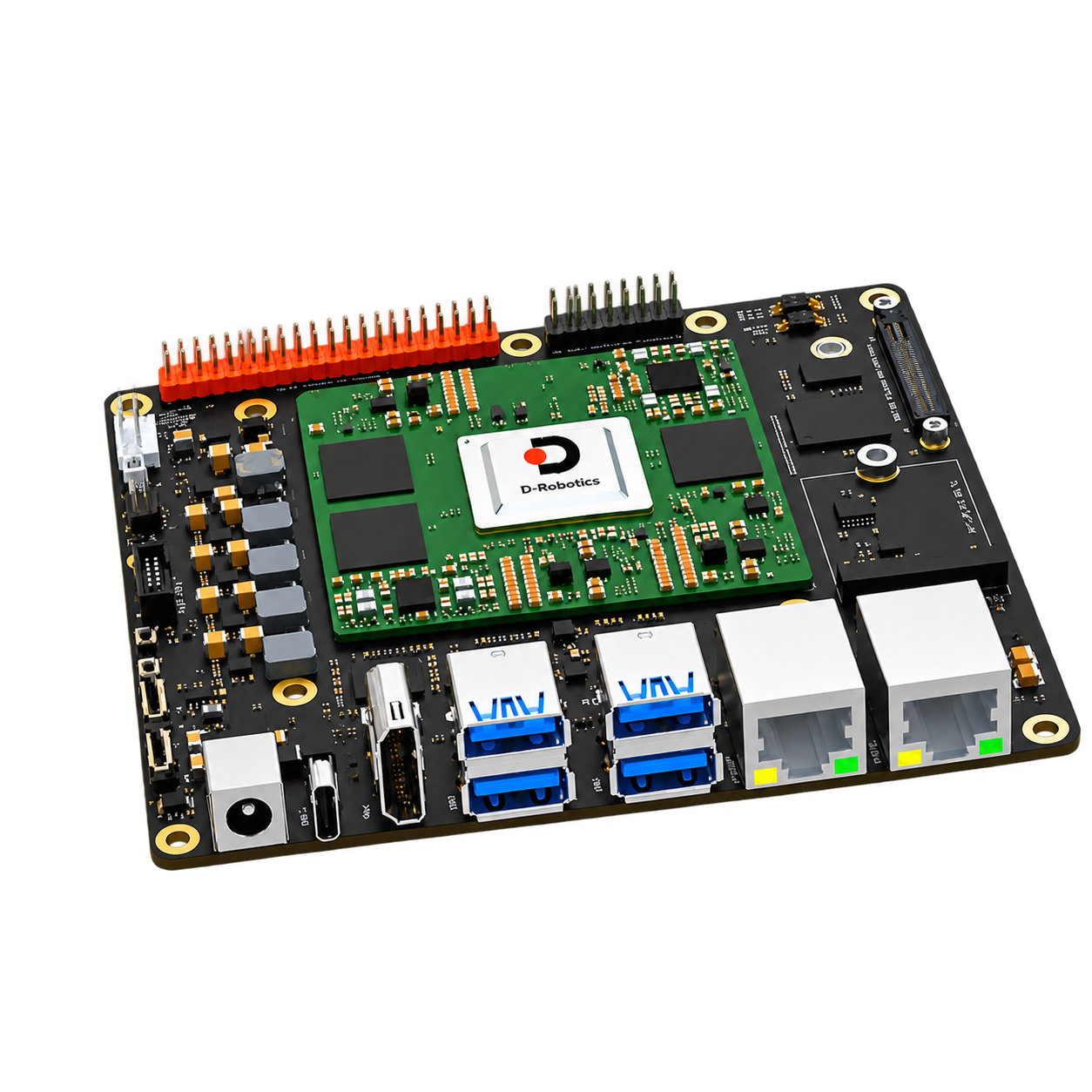
RDK S100 or existing computing device access
Composition, compatibility and upgrades
Scope of this version
positioning with antenna assembly
front and rear LiDAR and lateral depth perception components
Selected computing, power distribution, network and installation components
Operating conditions
Rendering of a payload configuration on LYNX M20; the robot body is selected separately.
Odin series are checked according to configuration; Odin1 Lite are ecological products that can be independently selected.
detection, mapping and automatic Main navigation functions are determined by the specific software configuration.
Upgrades and expansion
can subsequently expand Sensor and calculation modules according to coverage and algorithm load; the calibration and driver can be updated simultaneously when the installation relationship is changed.
Choose a build; mounting and accessory needs can be added to your inquiry.
Specifications & Interfaces
Switches the displayed specifications only. Purchase and inquiry configurations are selected separately.
Independent visual enhancements are not included by default
LiDAR configuration
Front and rear Hesai JT128
Depth perception range
Left and right Odin1 series modules
Conditions
Odin1 and Odin1 Lite are in different specification ranges
Match the manual, interface and structure of the selected model
Compute configuration
With S100 / Without S100
Conditions
Select according to task software and existing computing resources of the robot
use
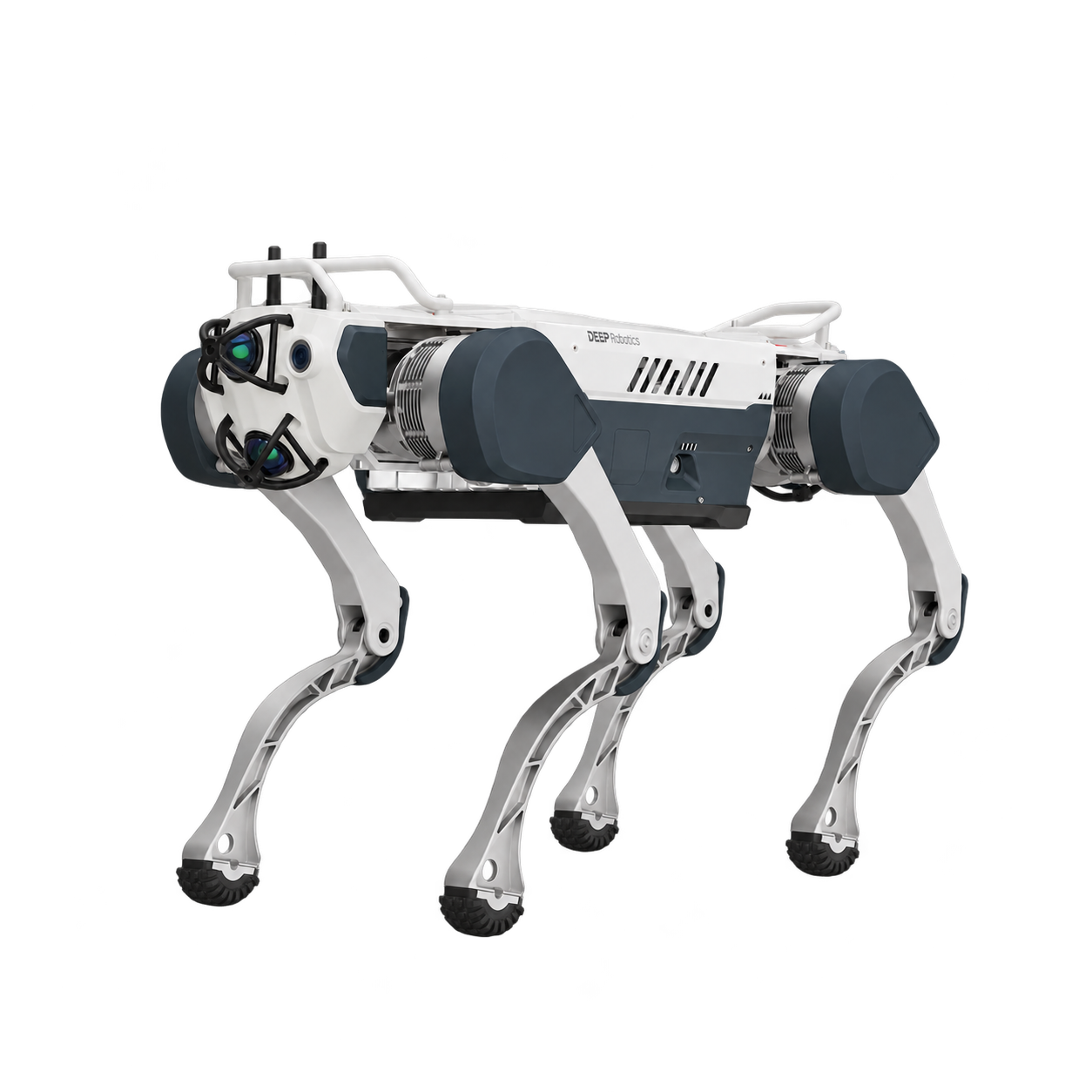
Provides external positioning information for quadruped platforms
Compute platforms
Quadruped robots
Connection, installation and upgrade conditions
platform connection: positioning data, mounting hardware and Power supply bearer Roboticsaccessories
Connecting the accessories: Ethernet, power distribution, wiring harness and mounting components
accessories range: mounting surface, Payload, center of gravity, power supply and RoboticsData interface
Upgrade accessories: match according to module interface, installation conditions and software version
Conditions
Corresponding calibration, synchronization and functional verification are required after the upgrade.
Key specifications
Positioning configuration
Fixposition Vision-RTK 2 × 1
GNSS antenna layout
Front 1 root + rear 1 root (total 2 root)
Camera connectivity
Vision-RTK 2 Built-in camera
Conditions
Independent visual enhancements are not included by default
use
Provides external positioning information for quadruped platforms
Compute platforms
Quadruped robots
Connection, installation and upgrade conditions
platform connection: positioning data, mounting hardware and Power supply bearer Roboticsaccessories
accessories range: mounting surface, Payload, center of gravity, power supply and RoboticsData interface
Upgrade accessories: match according to module interface, installation conditions and software version
Conditions
Corresponding calibration, synchronization and functional verification are required after the upgrade.
Key specifications
Positioning configuration
RTK positioning + Modular payload
LiDAR configuration
Front and rear Hesai JT128
Depth perception range
Left and right Odin1 series modules
Conditions
Odin1 and Odin1 Lite are in different specification ranges
Match the manual, interface and structure of the selected model
Compute configuration
With S100 / Without S100
Conditions
Select according to task software and existing computing resources of the robot
Compute platforms
Quadruped robots
Connection, installation and upgrade conditions
connects to accessories: Ethernet, power distribution, wiring harness and mounting components
accessories range: mounting surface, Payload, center of gravity, power supply and RoboticsData interface
Upgrade accessories: match according to module interface, installation conditions and software version
Conditions
Corresponding calibration, synchronization and functional verification are required after the upgrade.
Components & Accessories
Product & configuration scope
Selected version of positioningperceptionpayload
Robotics body and task Sensor are individually selected according to configuration
Accessory selection
matching RoboticsPayload installation interface
power, network and Robotics status interface
Check GNSS antennas, cables and sensors against the selected version; the front and rear antennas in 1.0 are included in the payload and should not be purchased twice
Included items, options, wiring harnesses and mounting hardware are confirmed according to the selected model and system configuration.
Software and usage support
positioning fusion needs to match Robotics's own SLAM output, coordinate system and timestamp.
LiDAR perception and navigation applications are organized by selected software functions.
Compute platform and driver configuration match the payload version and Robotics model.
Operating conditions
The robot body is selected separately; include the payload, wiring harness and power modules in payload weight and center-of-gravity calculations.
Odin1 series match Dimensions, Power supply, data and drivers respectively, and parameters are not applied across models.
Actual perception coverage depends on installation direction, body shielding and calibration configuration.