Fixposition · Positioning and inertial measurement
Fixposition PBx-A1
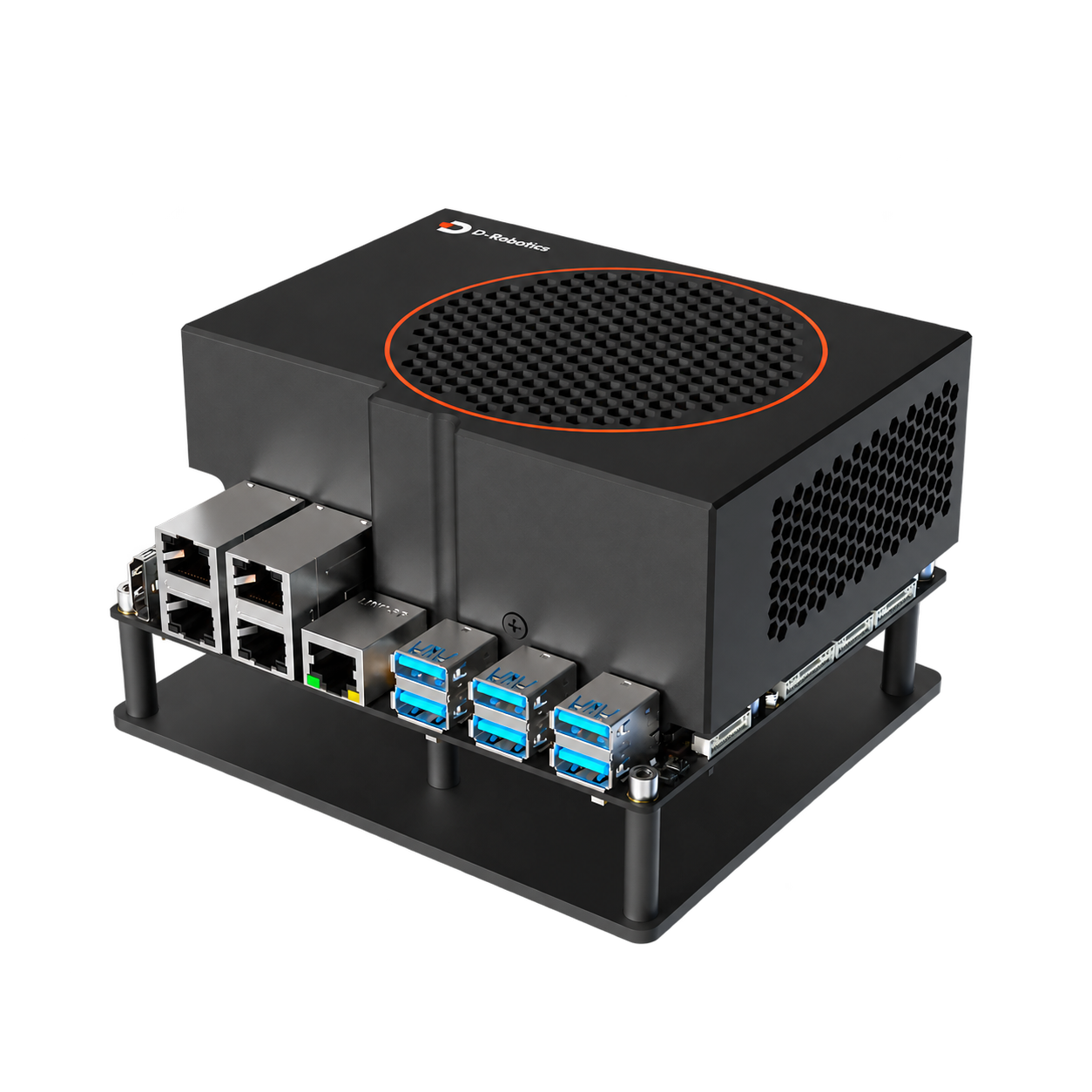
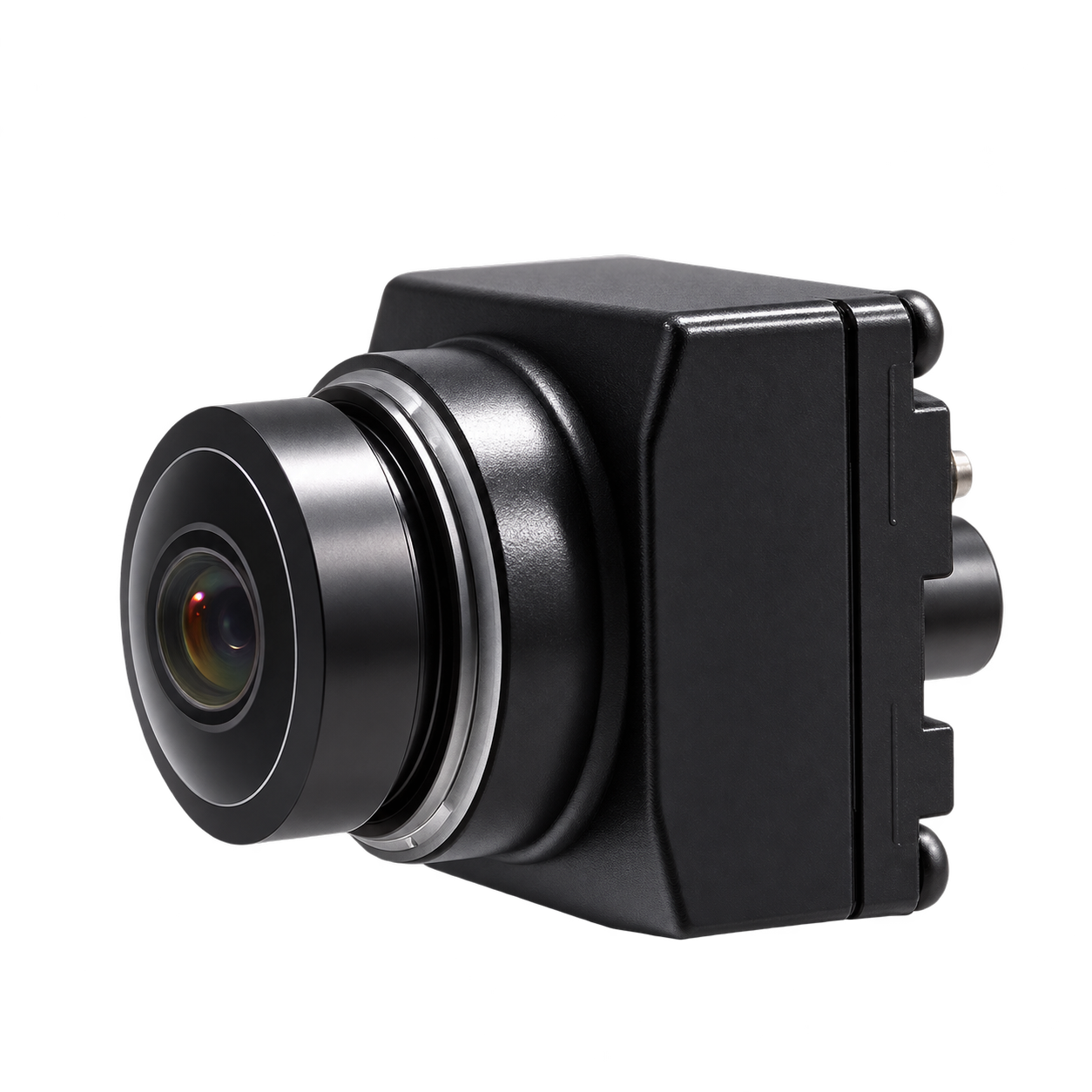
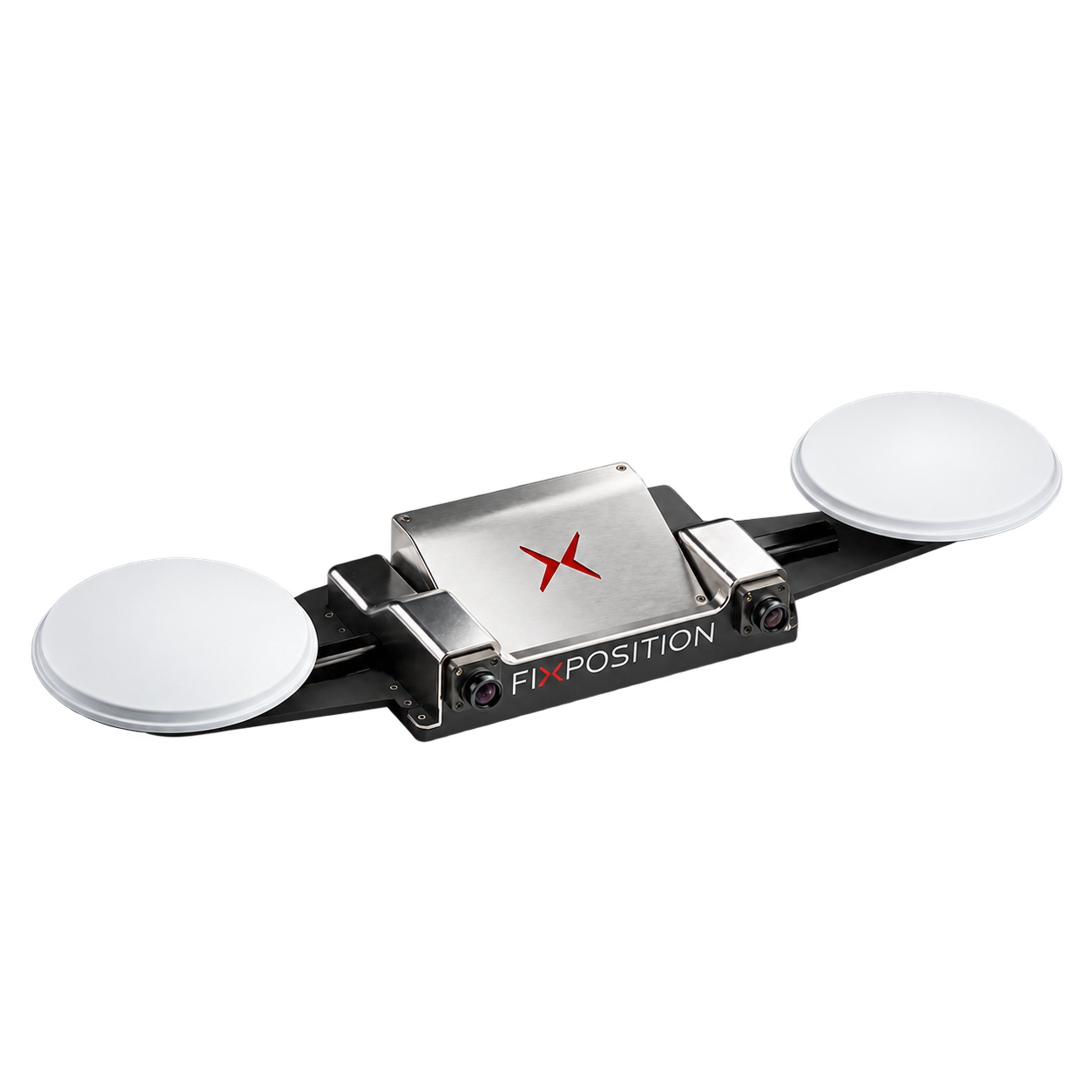
The product form in which the positioning host and external camera are arranged separately makes it easy to arrange the sensing position according to the robot structure. Suitable for integrating positioning system into customized body or payload.
External monocular / binocular camera form
Separate installation of camera and positioning box Construction
ROS 1 / ROS 2 development support
Overview
- External monocular/binocular camera
- The computing box is arranged separately from the camera
- Official ROS 1 / ROS 2 driver access
- Supporting development kit and positioning data tools
Typical tasks
- Split vision positioning integration
- Robot payload layout
- System design with separation of computing box and camera
What to consider
- First determine the installation locations and cable paths of the host, camera and antenna.
- Camera combinations, mounts and calibration requirements match the selected equipment package.
- Check the complete model number, interface information and available software packages when purchasing.
Specifications & Interfaces
| Visual layout and access | Camera access: supports external monocular and binocular cameras
Equipment layout: The positioning calculation box and camera can be installed separately
Evaluation form: PBx-A1 EVK |
|---|---|
| Fusion and auxiliary input | RTCM differential data, wheel speed |
| Data interface | TCP / Serial |
Other interfaces & features
| System & software scope | Development support: official ROS 1 / ROS 2 driver
Data processing: Fixposition SDK / Utility |
|---|
Components & Accessories
Product & configuration scope
- PBx-A1 positioning host
- Selected external camera and positioning component configuration
Accessory selection
- Supporting camera, camera cable and mounting structure
- GNSS antenna and correction data access
- Power, Network & Fixtures
Included items, options, wiring harnesses and mounting hardware are confirmed according to the selected model and system configuration.
Software and usage support
- Get driver and interface instructions based on the selected device version.
- The positioning output needs to correspond to the robot coordinate system and time system.
- When changing the camera installation relationship, the corresponding calibration process should be followed.
Operating conditions
- Cameras, cables, positioning boxes and software versions should be selected as a complete set, and external parameter calibration should be completed.
- The installation interface, power supply and working environment are determined according to the specific hardware configuration.
Technical resources
Fixposition documentation and development resources Official documentation ↗ Vision-RTK 2 / PBx-A1 product overview View product information ↗ Fixposition ROS 1 / ROS 2 driver Drivers and examples ↗ Fixposition data SDK Drivers and examples ↗ Fixposition PBx-A1 official documentation Resource index 2026-06-12 Official documentation ↗
When using these documents, please check the product model, hardware configuration and document version.
Learn about related components
Explore the compute, perception and mobile platforms used in related solutions; see each solution for compatibility conditions and options.