RJ Tech DACH Online Store
  • Germany
  • Netherlands
  • Switzerland
  • Austria
  • Norway
  • Finland

TZTEK TZTEK · Computing and Control

TZTEK TADC-J6M

The vehicle domain controller using a single Horizon Journey J6M is oriented towards vehicle perception and control integration, providing a computing route managed separately from D-Robotics RDK.

vehicle domain controller
128 TOPS CPU:137 KDMIPS Compute performance
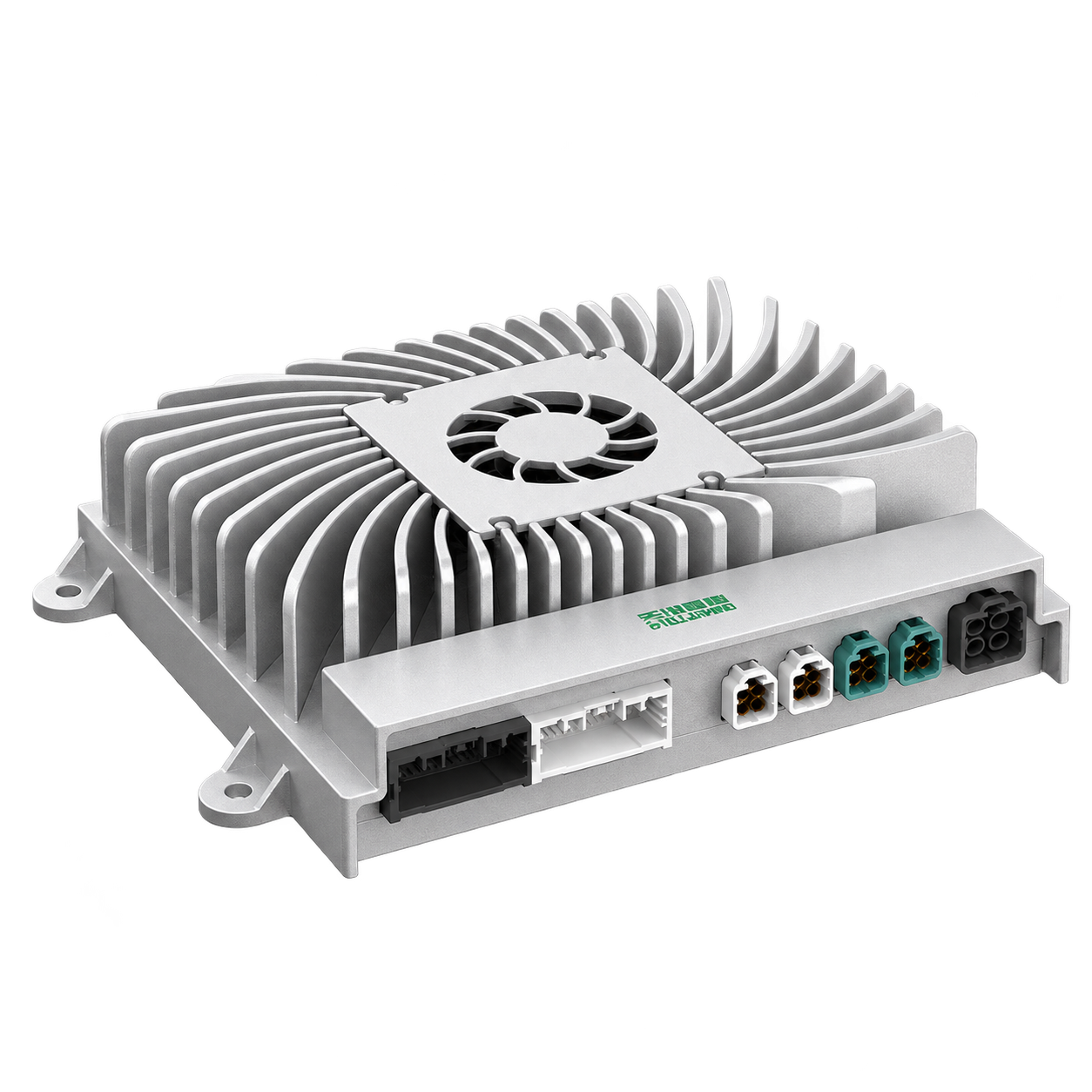
Placeholder TZTEK TZTEK TADC-J6M Product appearance diagram
Product illustration

Overview

  • Horizon Horizon Journey J6M Vehicle Calculation Route
  • Air-cooled package, manufacturer listed IP52
  • BSP, time synchronization and vehicle electrical equipment are organized according to the selected configuration
  • RJ combined with UGV task scheduling sensor network, control and installation integration

Specifications & Interfaces

Switches the displayed specifications only. Purchase and inquiry configurations are selected separately.

Key specifications
Compute platforms
Horizon Horizon Journey J6M
Compute performance
128 TOPS CPU:137 KDMIPS
Conditions
  • A separate list of manufacturer names, not directly sorted or converted with the equivalent value of INT8
Operating environment
IP52
Conditions
  • Manufacturer's model parameters
Other power & installation specifications
Heat dissipation form
Air cooling
Other interfaces & features
System & software scope
The series provides BSP and time synchronization resources

Components & Accessories

Operating conditions

  • Integration requirements: check model, harness pin-out, power, software version and synchronisation.
  • Installation and power supply protection are checked according to the selected configuration; system and vehicle capabilities need to be verified separately.

Models and optional configurations

Single J6M

accurate I/O, Power supply, software authorization and delivery configuration will be confirmed separately

Technical resources

When using these documents, please check the product model, hardware configuration and document version.

Configuration and backup tools

Edit selection list

  1. 01 Review configuration Model, version and quantity
  2. 02 Describe your application Application, environment and goals
  3. 03 Save summary Copy or download for discussion

Not sent yet. Your list is stored in this browser. Copy or download it to share with RJ.

Edit the full configuration, product selection and project notes here, or restore and download a backup. View full selection list 。

Packages & individual products 0

Packages list their included, extra and customer-supplied items according to the configuration; individual products keep their own quantities.

Application & contact details

You can describe your project without selecting products. Contact details are optional and stay in this browser.